
Unblur Image Online With AI
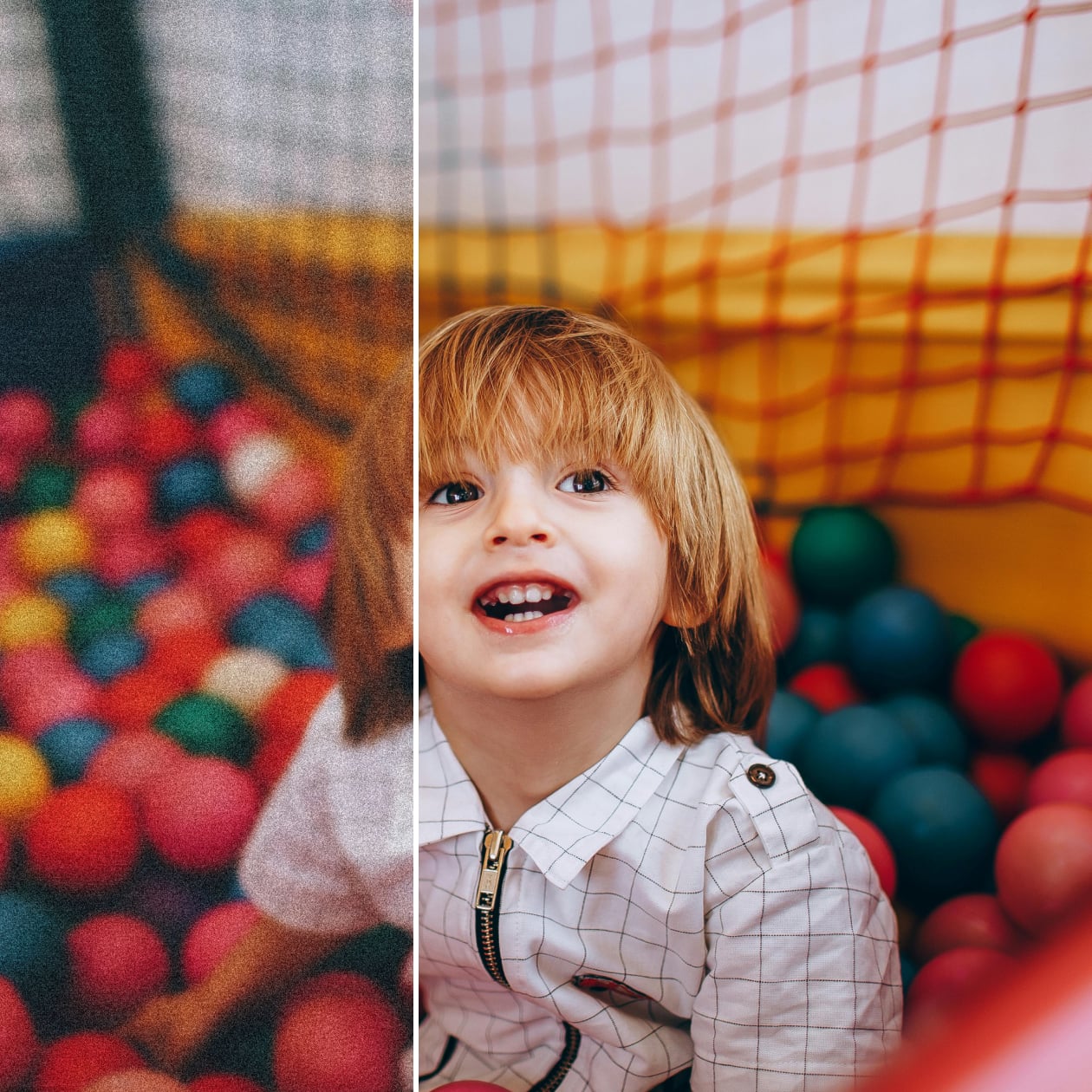
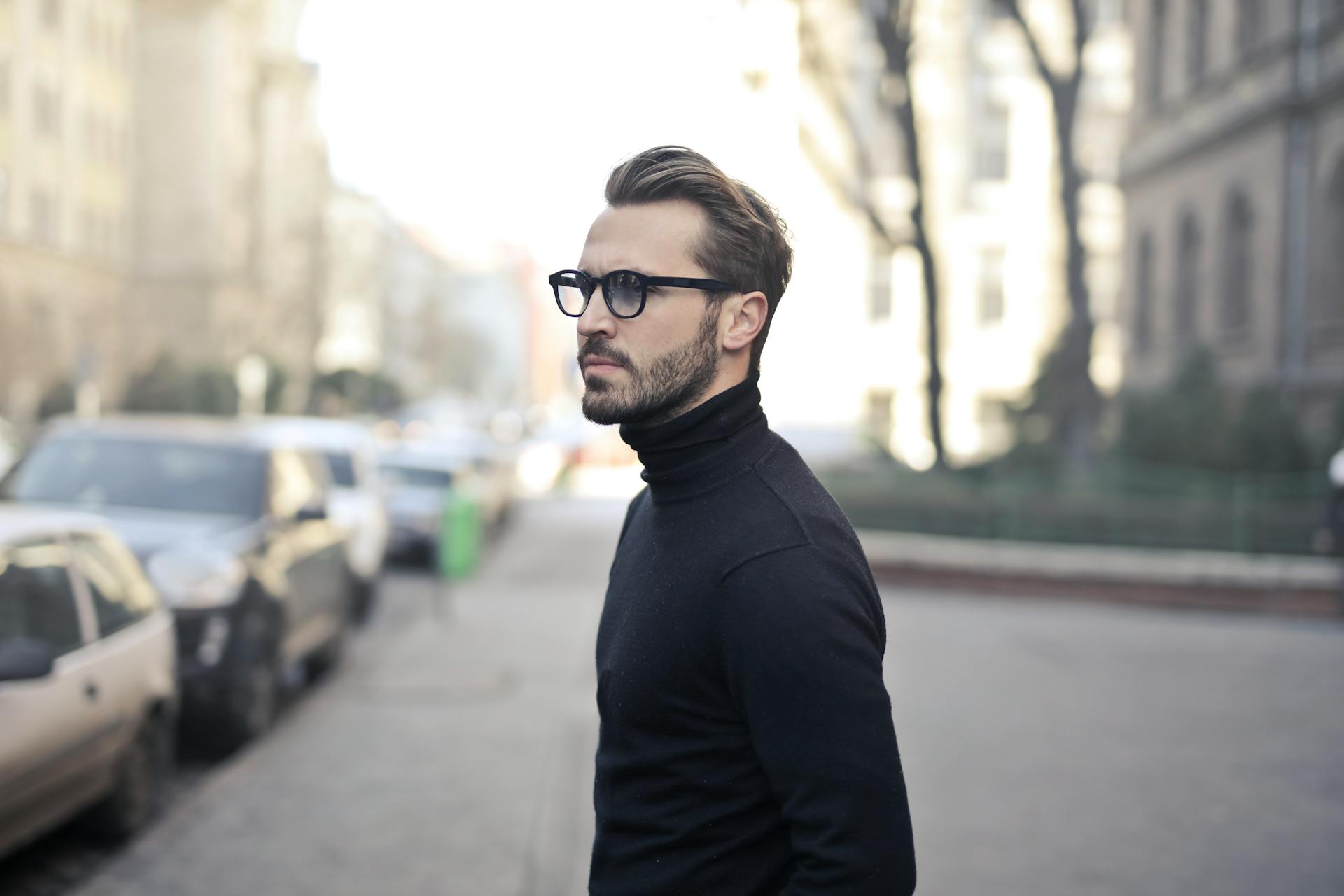
How to Unblur Image Online
Upload the Photo
Upload a photo that you want to unblur.
Unblur the Image
The system removes blur from photo content, enhances subjects, and rebuilds structure.
Save the Image
Download the enhanced result in high quality, ready for use.
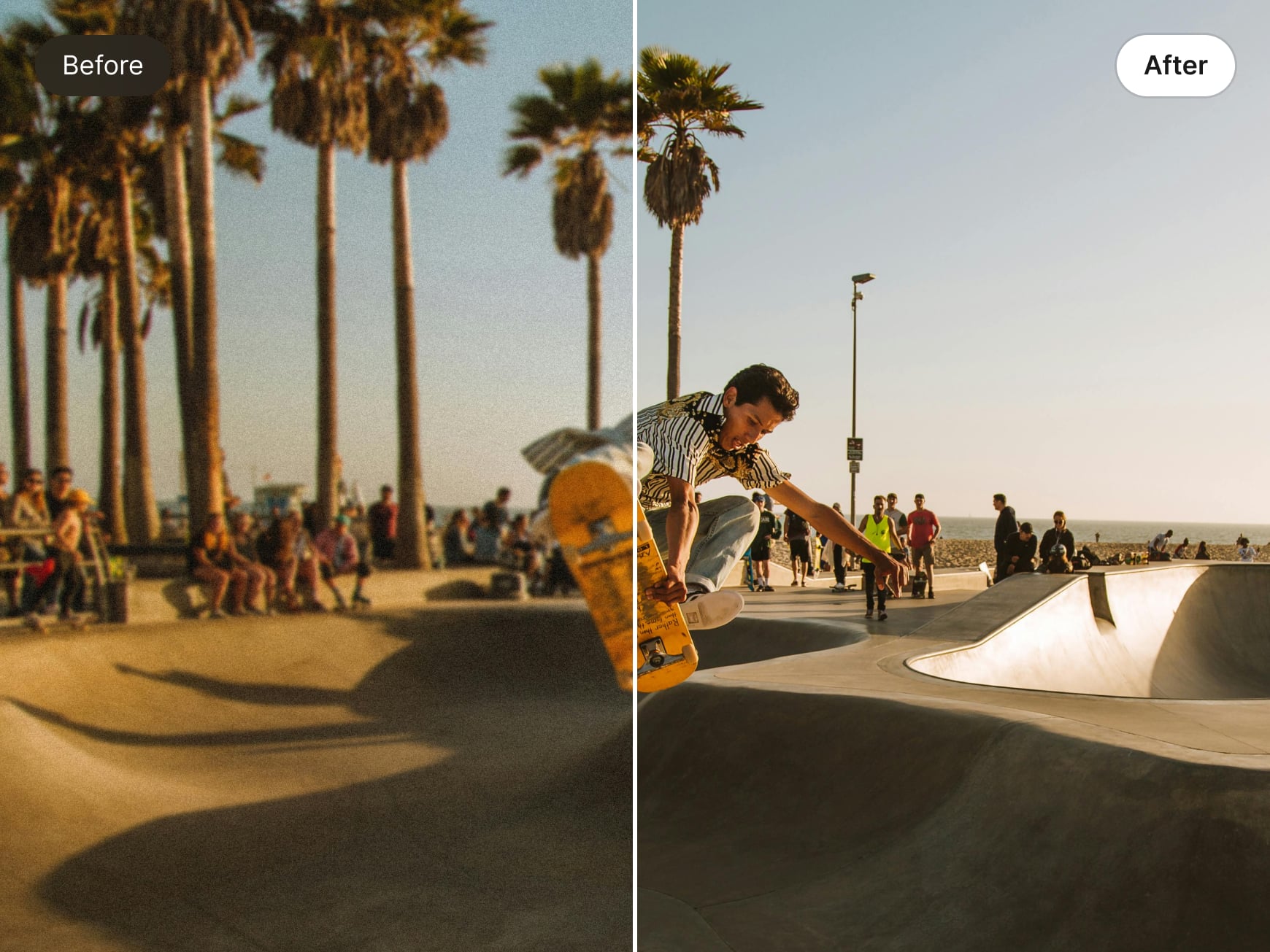
Turn Blurry Photos into Clear Images
The system automatically detects blur, corrects noise, and rebuilds missing visual details across the image. It corrects pixels to improve focus while preserving natural textures and smooth transitions. This makes blurry photos clear and lets you unblur image for free without relying on manual edits, filters, or technical skills.
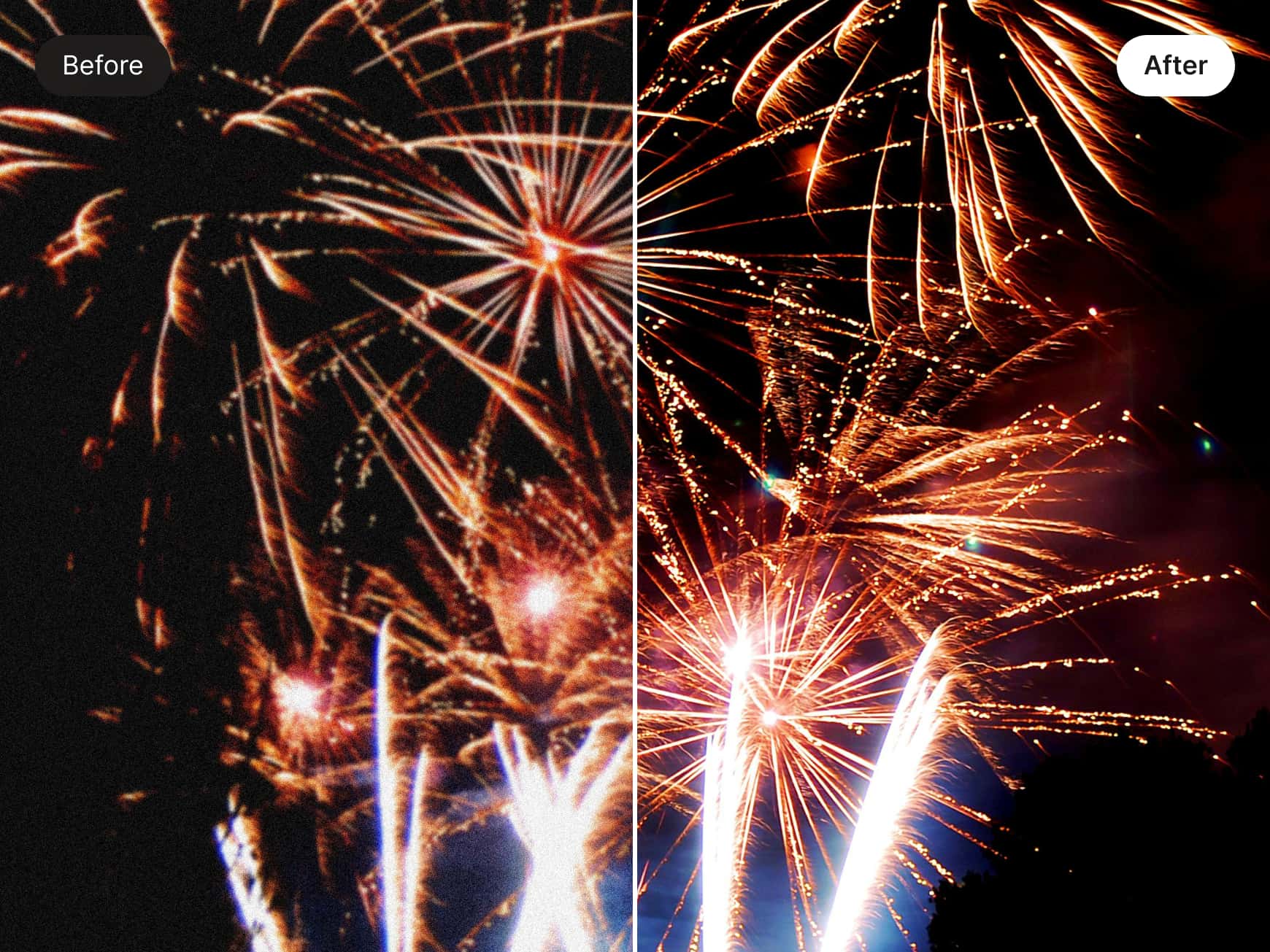
Restore Details with Natural Balance
Our AI corrects and processes image pixels with controlled precision. It enhances clarity while allowing balanced sharpening. The edges will appear clean and realistic. Even the fine textures will return gradually. This approach keeps skin tones, fabrics, and backgrounds visually consistent and free from artificial or over-processed effects.
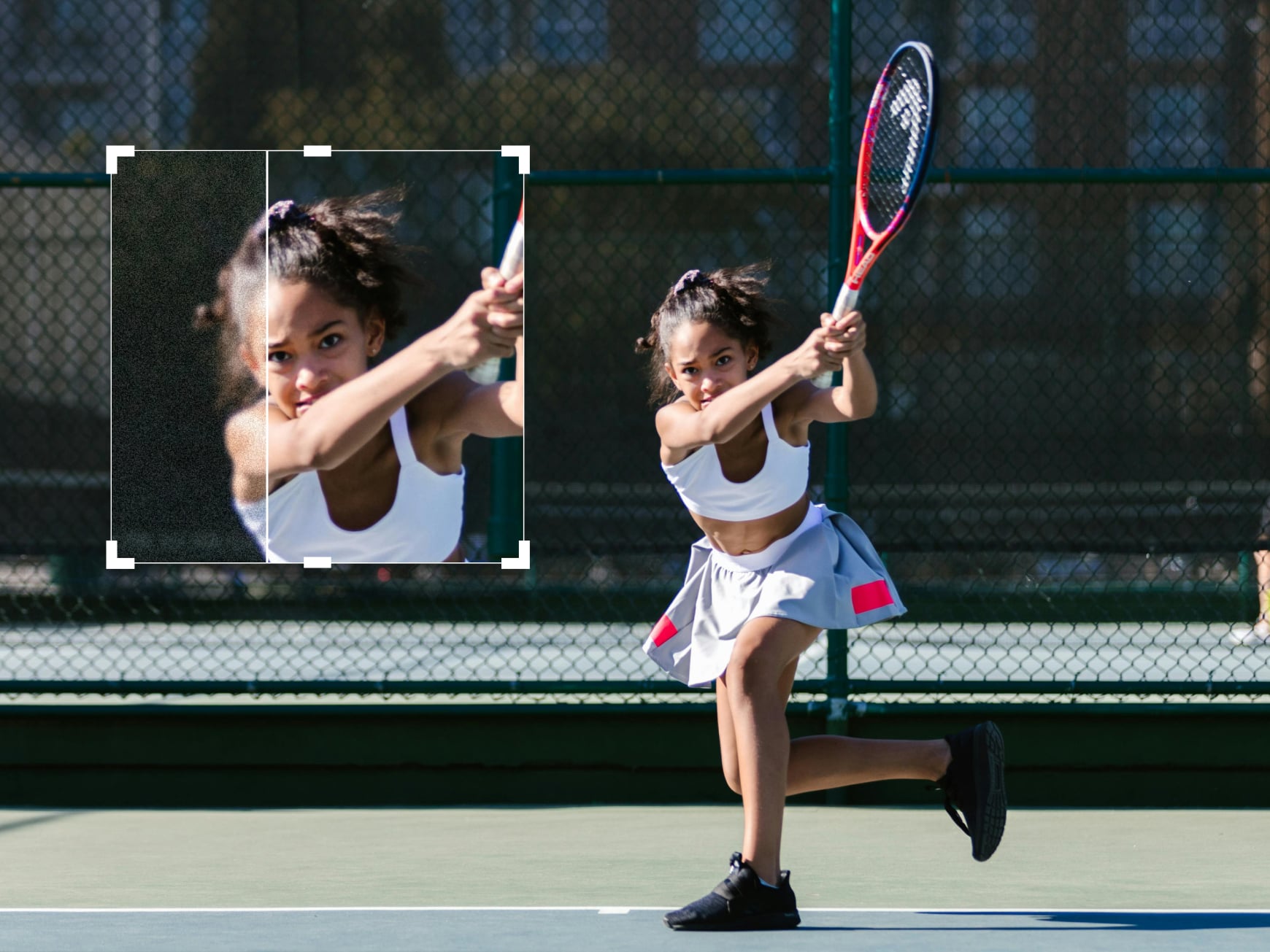
Smart Focus with a Photo Unblur Tool
Important subjects are detected automatically. Faces, objects, and structural elements receive priority during AI enhancement. The AI identifies key subjects to unblur a picture accurately, giving priority to faces, objects, and important visual elements. Background regions are refined separately to maintain depth and balance. This ensures your subjects stay sharp and the overall image looks natural.
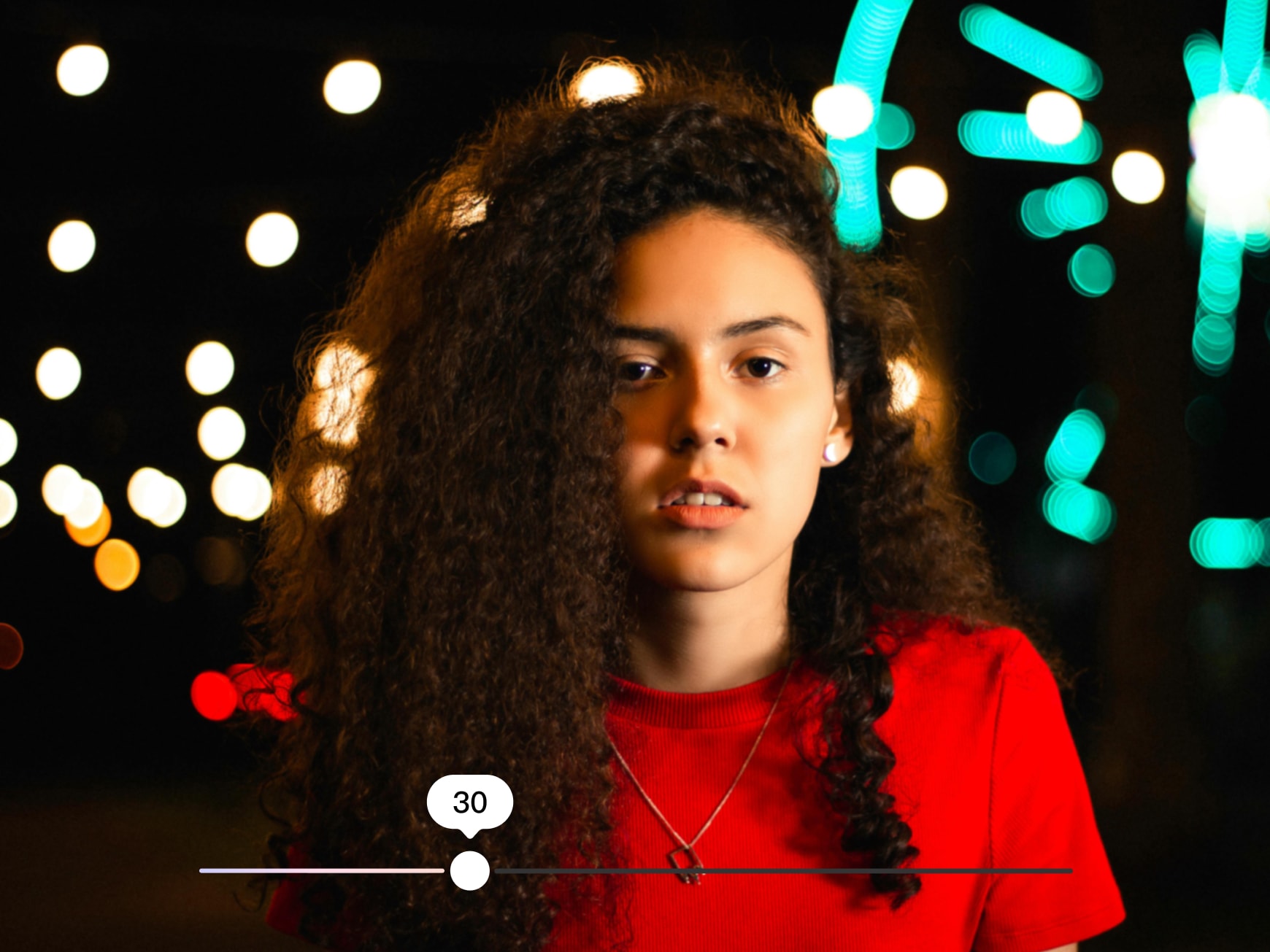
Fast Results with Flexible Control
Drop in your file. Our AI will restore focus without harming textures. The blurry areas turn clear, and the details stay natural. You can control the intensity if you want. This will make the final image look realistic. Download it and use it for your social posts, work projects, or creative ideas.
Frequently Asked Questions
Does the tool support different formats?
Can I adjust the correction intensity?
You can control it by applying subtle fixes or stronger corrections. This is done while keeping textures natural and visually balanced.
How are blurred areas corrected?
The AI detects blurred zones first. Then it enhances the key details only where needed and avoids already sharp areas.
Can I use unblurred images for print or large screens?
The results are sharp at larger sizes. So you can print them for bigger displays as well.
Some clips from my travel shoot looked soft and unstable. It cleaned them up quickly without changing the original vibe.
I used it while working on a personal project. The photos were almost 20 years old and the final result just shocked me.
I tried it on a photo series that had minor problems, expecting basic correction, but the outcome just took me by surprise.