
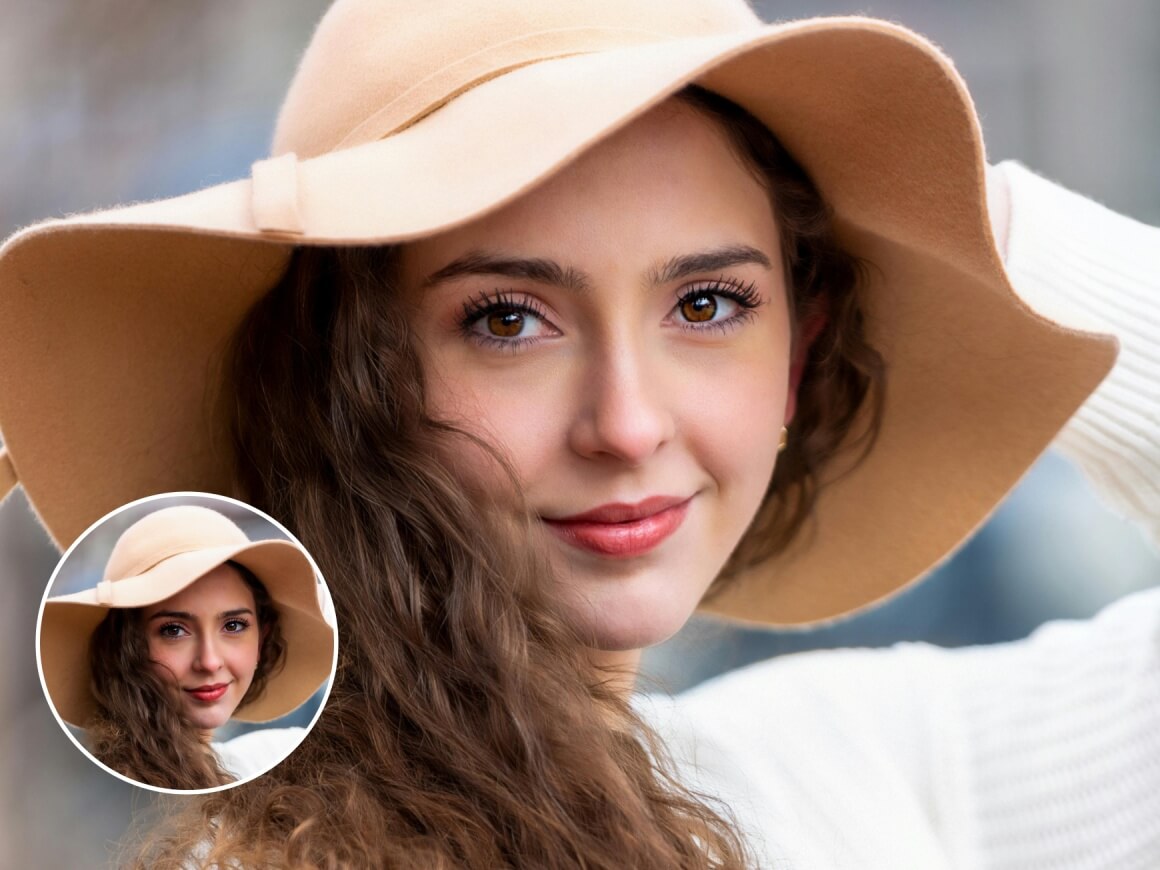
Tone Balance & Intensity Control
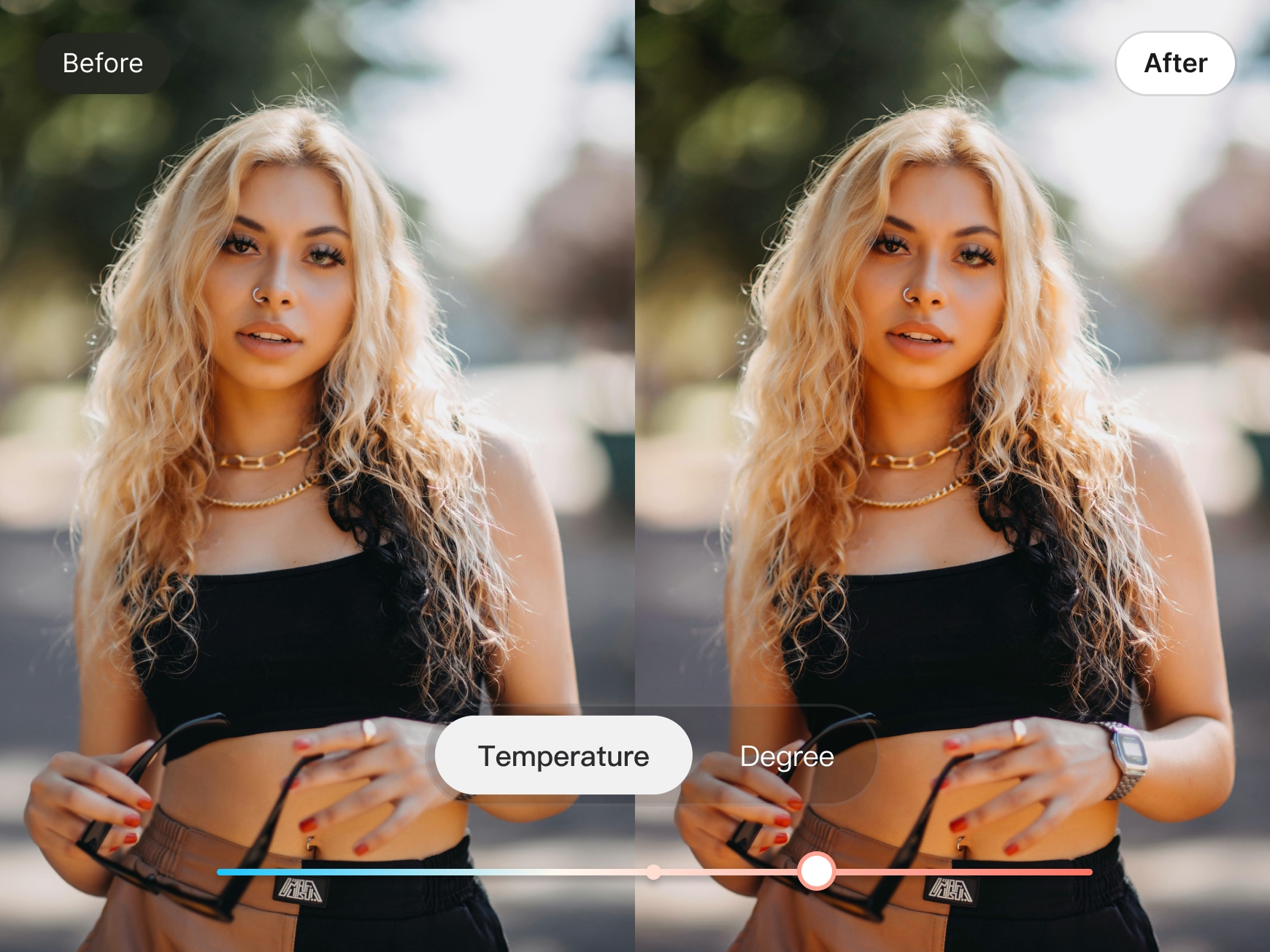
Fine-tune skin tone warmth and intensity with precision—no flat or over-processed look. From soft, neutral tones to a healthy, sun-kissed glow, Tone helps you enhance your portrait while preserving natural skin texture and depth.
Smart Skin Tone Consistency
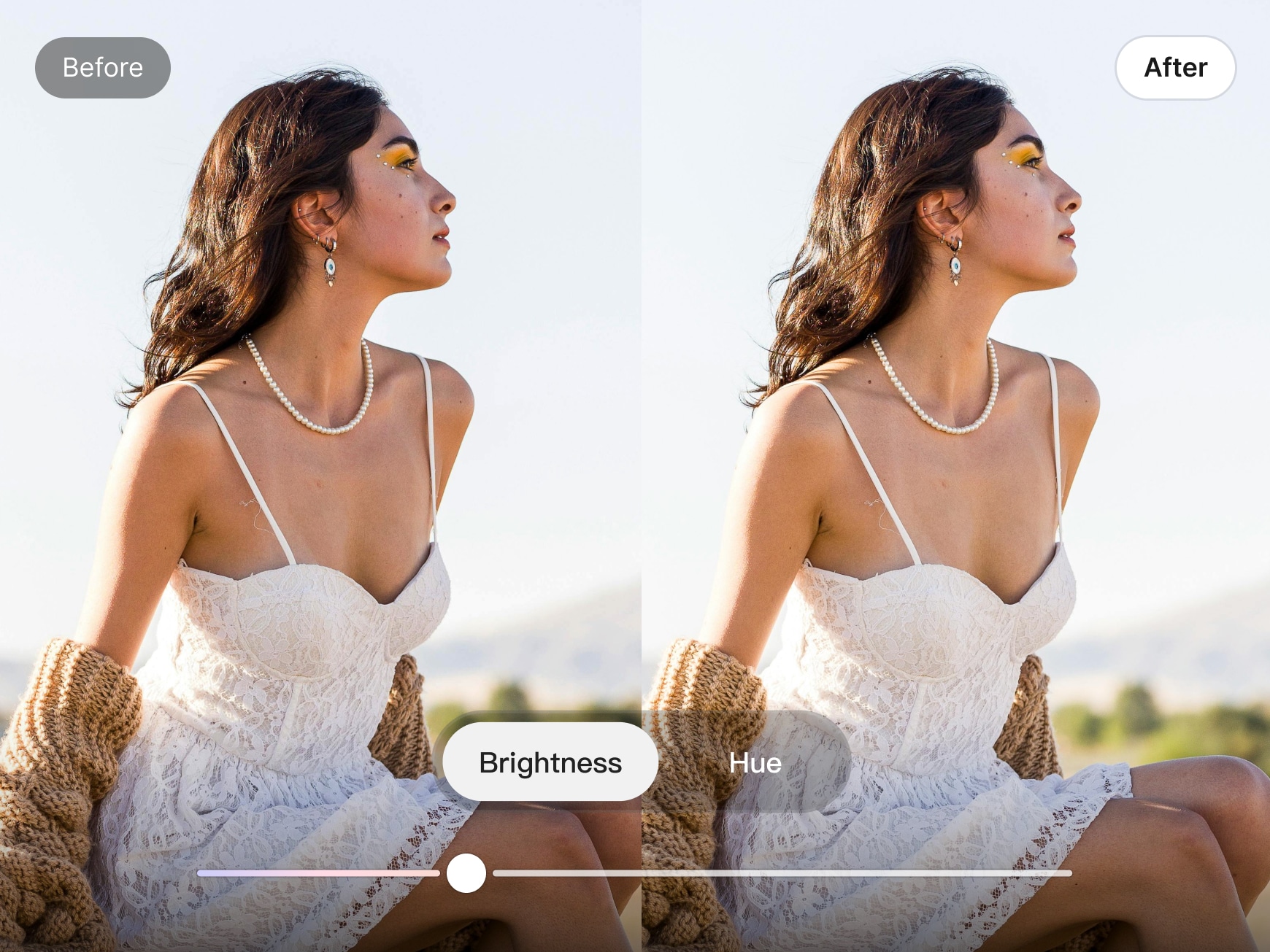
Automatically balance skin tone across the entire portrait for a clean, consistent look. Tone adjusts brightness and hue naturally, helping reduce uneven areas and subtle shadows—so your photos feel cohesive, polished, and true to life.
Manual Refinement for Precise Control
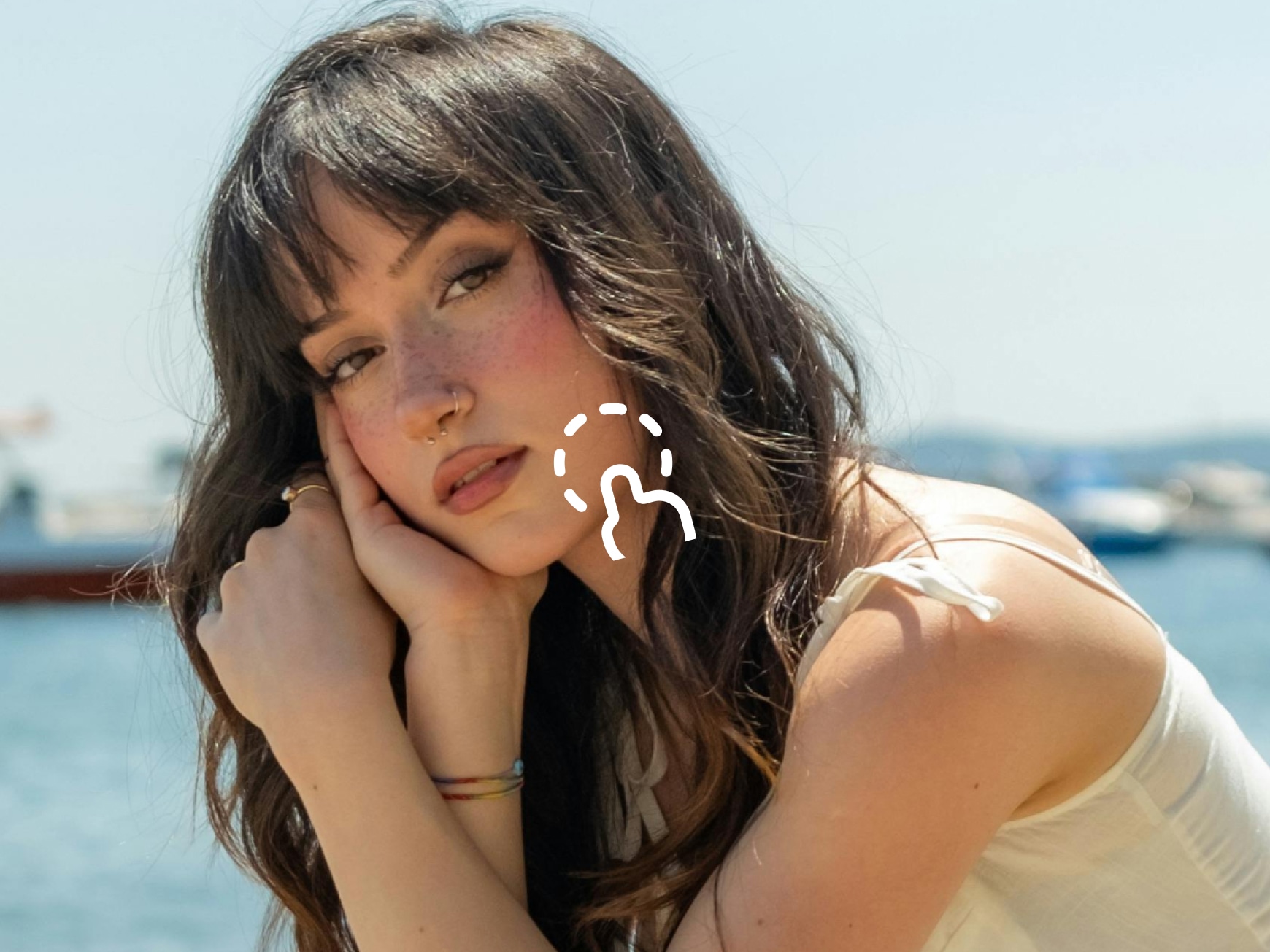
Refine specific areas with manual adjustments where you need it most. Tone’s intelligent portrait separation ensures each person keeps their own natural skin tone—giving you full control, even in group photos.
Frequently Asked Questions
Why does my face look flat or unnatural after retouching?
In some lighting conditions, increasing tone adjustments too aggressively can reduce natural contrast. For best results, keep tone intensity at a moderate level and slightly adjust toward warmer tones. You can then enhance the look with subtle makeup details—such as a touch of blush or lip color—to restore a healthy, natural glow.
How can I refine darker areas like my forehead or chin without affecting the rest of my look?
Use Manual Refinement to make precise adjustments only where needed. With Tone’s brush tool, you can gently refine areas such as the forehead or chin while keeping the rest of your portrait untouched—maintaining a balanced and natural result.
After retouching, my facial features feel less defined. How can I bring back depth?
When overall tones are smoothed, light and shadow contrast can become softer. To restore depth, apply subtle contour or structure adjustments to areas like the nose bridge and cheek shadows. This helps redefine facial features while keeping the portrait natural and true to life.

Tone is my go-to for quick portrait edits. It evens out skin tone and texture without killing the warmth or depth. Nothing looks fake—it just feels clean and natural.
What I appreciate most about Tone is the restraint. It enhances skin texture and balances tones while keeping facial details intact. I use it for both work photos and personal portraits—it delivers a polished look without over-editing.
I don’t want heavy retouching—just better balance. Tone does exactly that. Skin looks smoother, lighting stays natural, and the photo still feels like me.