
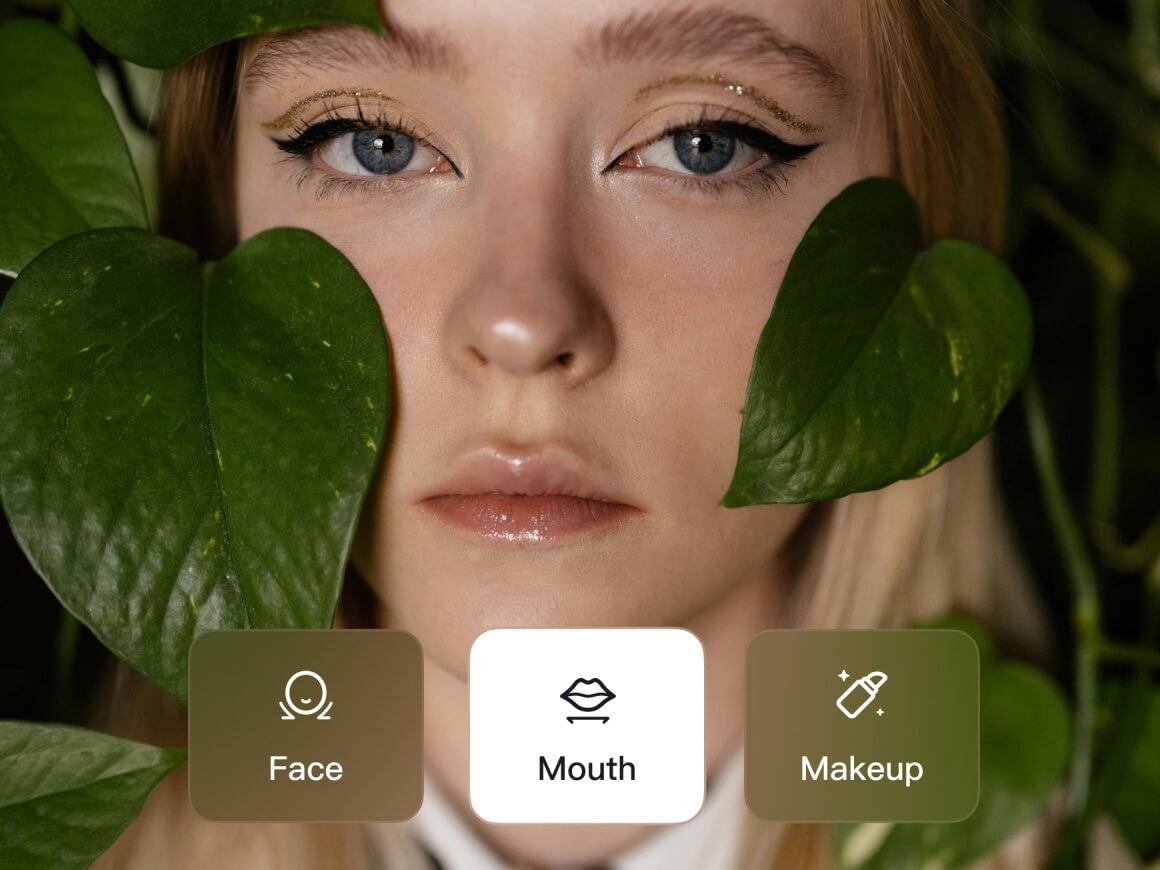
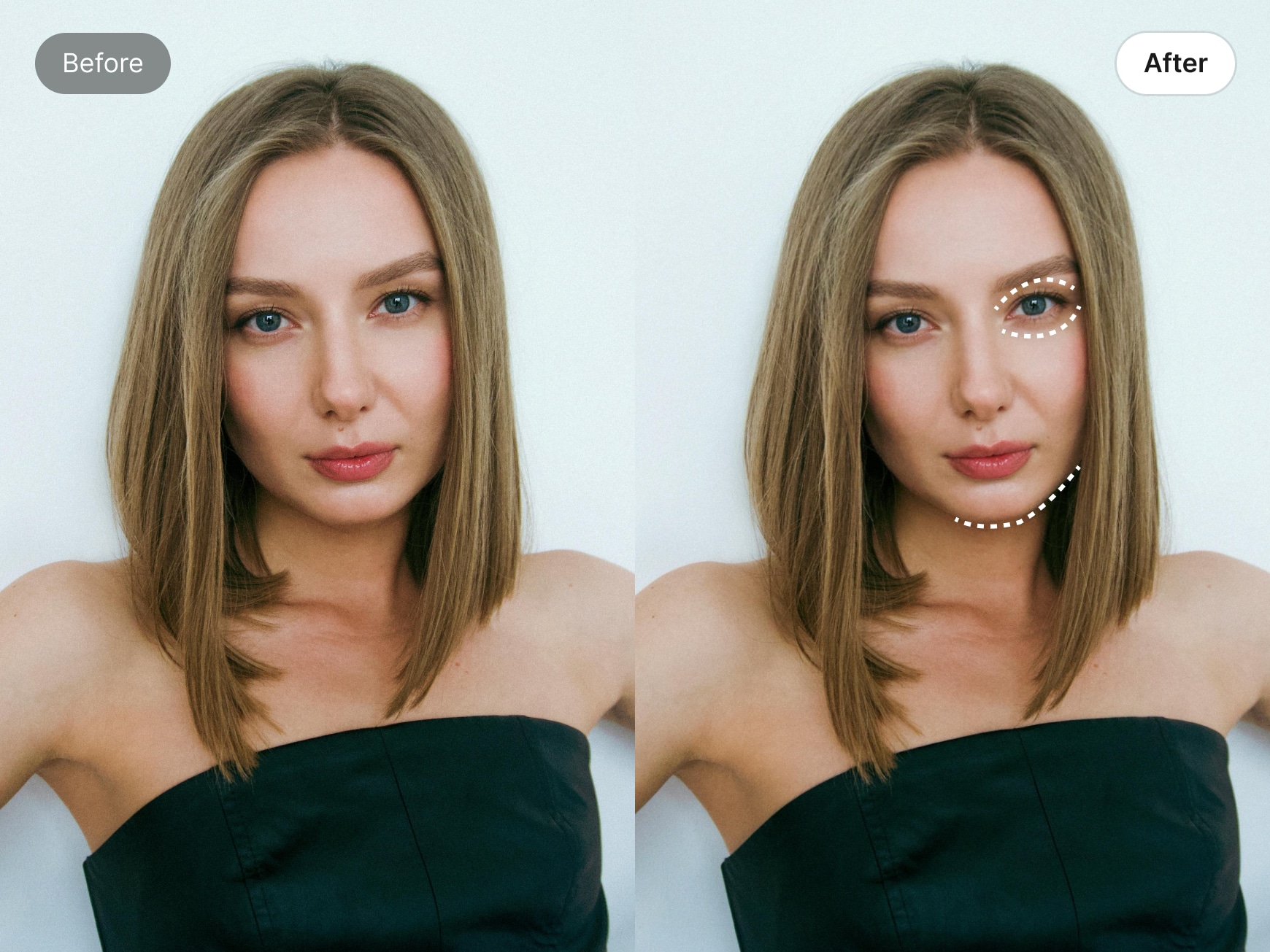
Precision Refinement
Advanced AI face retouching with adjustable controls lets you refine each facial feature precisely—enhancing balance and detail without over-editing.
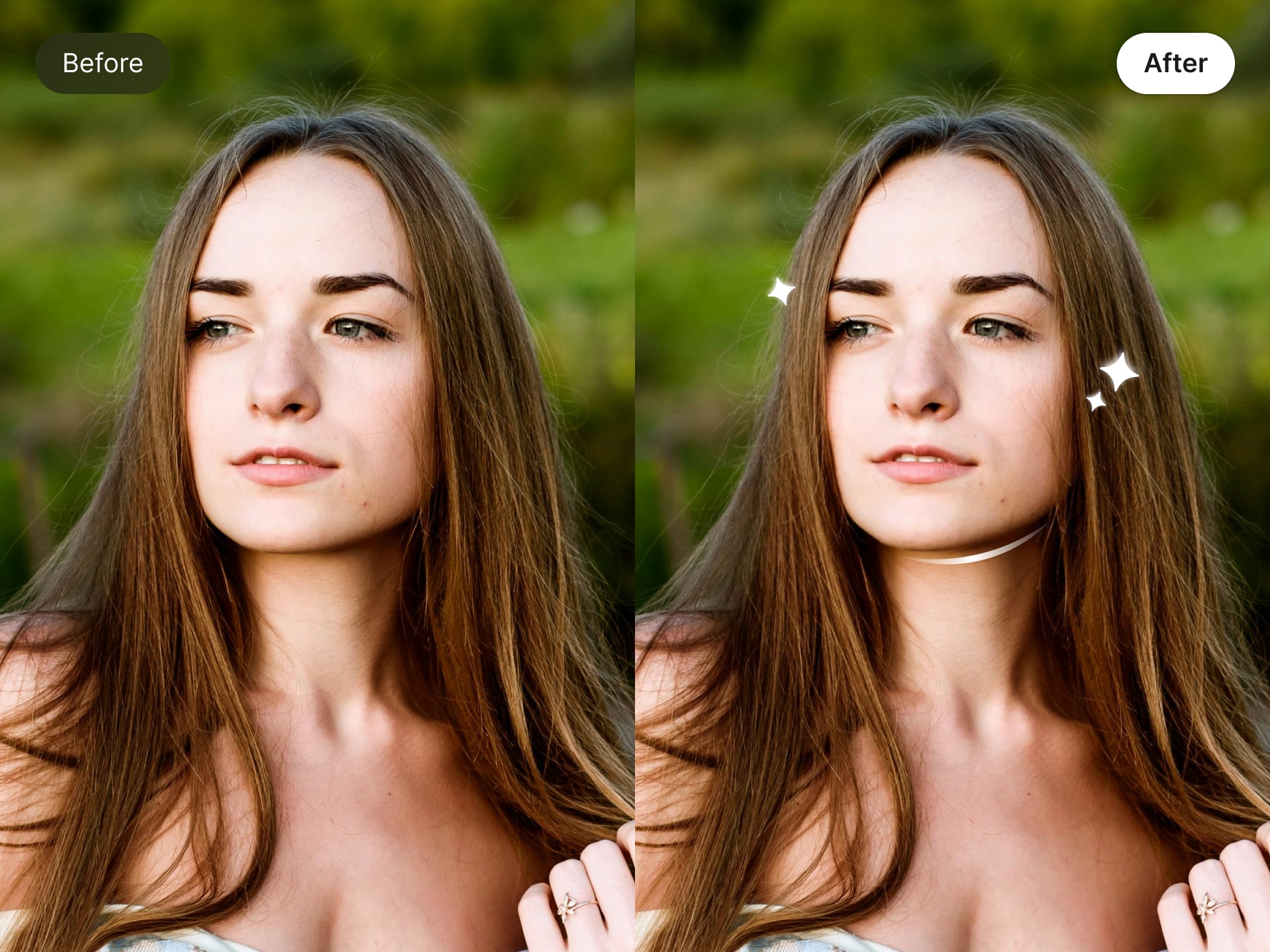
One-Tap Retouch Presets
Save your custom face retouch settings and apply them instantly to new photos or videos for consistent, natural-looking results.
Frequently Asked Questions
Why does my hair or background shift when I slim my face?
This usually happens when the adjustment area is too broad.
For more natural results, switch to Manual Face Slimming and carefully trace along the jawline only. Avoid touching hair or background areas. Wink’s AI will then refine your facial contour with more precise recognition—keeping everything else intact.
Can I adjust only one side of my face if my eyes aren’t symmetrical?
Yes. Wink’s Face Retouch allows independent left and right adjustments.
You can fine-tune each side separately—whether it’s eye height, eye width, eye corner curvature, facial contour, nose, or lips. This gives you full control to correct natural asymmetry while keeping your look balanced and realistic.
After adjusting my nose, my face proportions look off. How can I fix that?
Facial features are connected by proportion.
If you narrow the nose, try making small adjustments to the philtrum length or mouth position to rebalance the lower face. Subtle, coordinated tweaks help maintain natural harmony across all facial features.

I love that I can adjust tiny details without everything looking filtered. The face retouch feels light and natural, especially around the eyes and jawline. It’s my go-to before posting outfits or street shots—quick, easy, and never fake-looking.
I’m very picky about face retouch tools—most of them look overdone. Wink’s Face Retouch is different. It subtly refines my features without changing how I actually look. My selfies still feel like me, just more polished. It’s perfect for everyday fashion content.
I’m usually not into retouching, but Wink feels tasteful. It helps clean up my face in photos—especially after long hikes or camping trips—without losing texture or character. The results look natural and balanced, which is exactly what I want.