





It All Started From…
Quality Enhancement
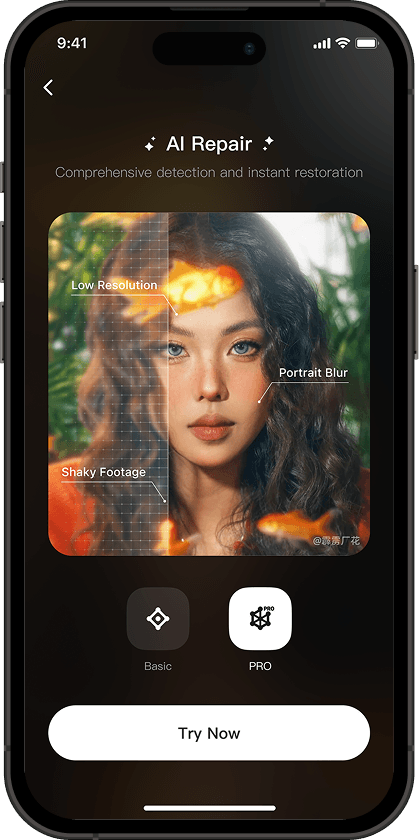
Bring blurry videos back with one tap. Wink’s AI restores clarity, sharpness, and details, making every video look its best, down to the smallest textures.
Choose Your Perfect Fix
Portrait
Try NowAI-powered facial restoration for natural, cinematic looks.Scenary
Try NowAdvanced Repair 3.0 enhances resolution and restores every missing detail with AI precision.Concert
Try NowRestore lighting, stage details, and crowd energy in low-light concert scenes with AI precision.Game
Try NowEnhance 3D gameplay screenshots and recordings with ultra-clear, detailed visuals.
Why stop at details?
Glow up your video portraits, too.
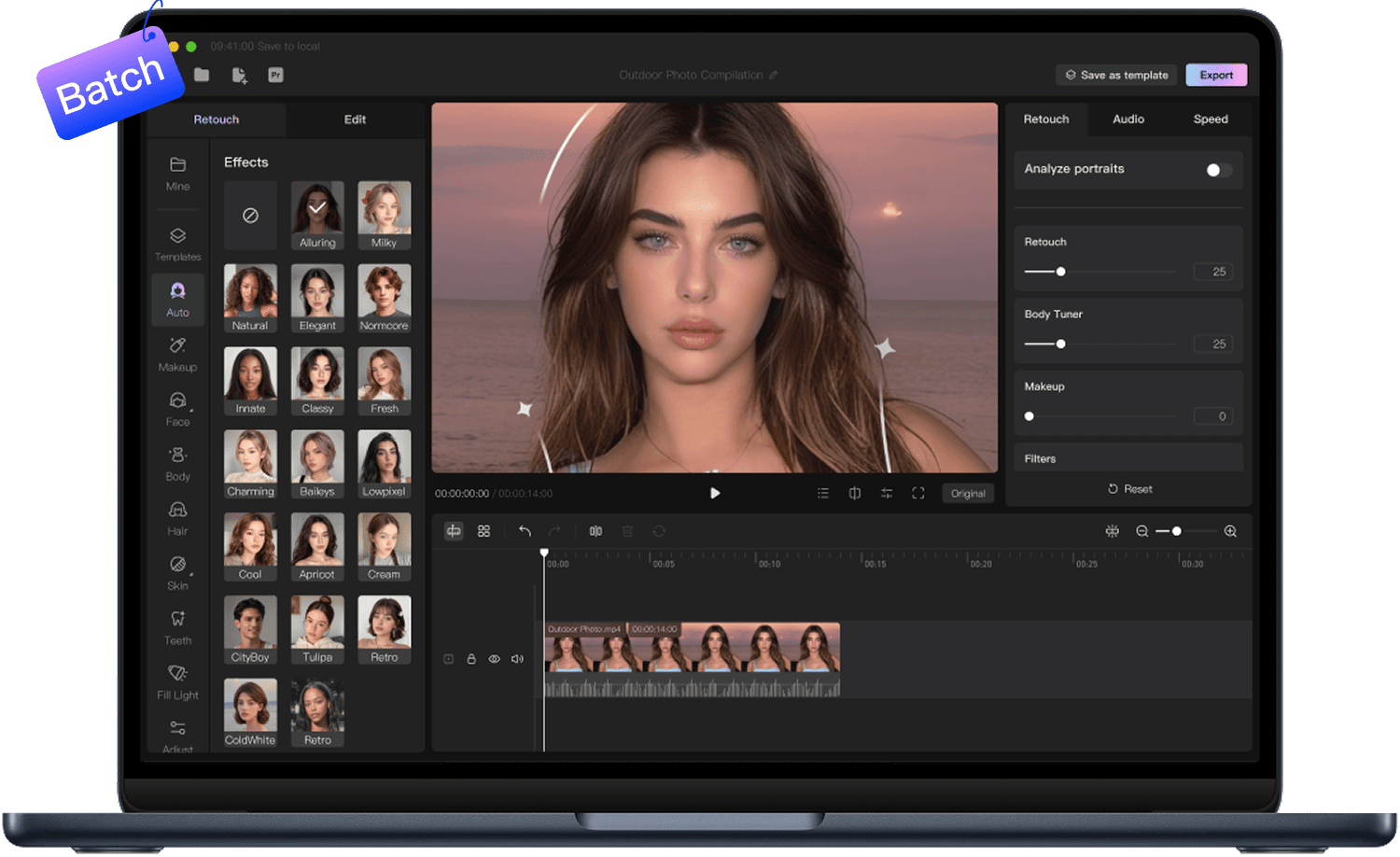
One-tap retouch for a fresh, flawless look in seconds.
Fine-tune skin and facial details for a polished, pro-level finish.
Retouch each face individually with smart AI detection and tailored effects.
Mix retouch styles across clips to match every moment perfectly.
Refine Your Look,
Your Way
Effortlessly shape your body with advanced 3D tools. Highlight your best features and express your unique style with confidence.
Turn Videos into Art
Transform your videos with creative AI styles. From anime to digital art, craft stunning effects in seconds.




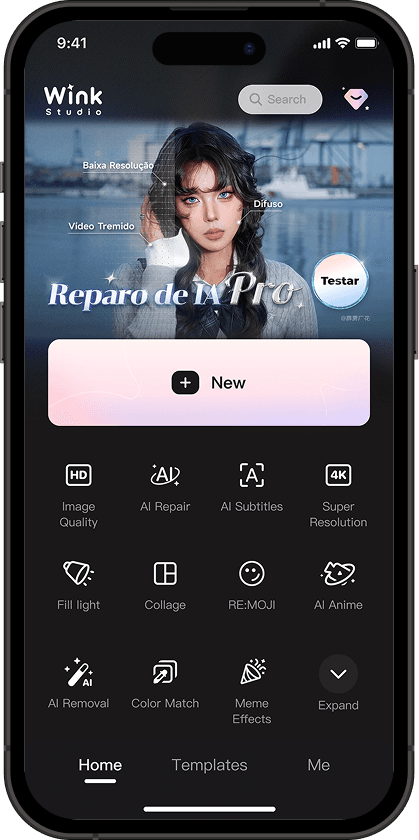





More Creative Features
Auto captions
AI Remover
AI Expand
Cutout
AI Retouch

Product Image Enhance
Frequently Asked Questions
Why Choose Wink?
Is Wink Easy to Use?
Yes! Wink is designed for beginners and pros alike. With its intuitive interface and one-tap AI tools, you can instantly repair, upscale, and beautify photos and videos without any technical skills.
What File Formats Does Wink Support?
Wink supports a wide range of photo and video formats across all platforms.
On mobile and tablet, it handles PNG, JPEG, GIF, WEBP, HEIC, RW2, RAF, BMP, DNG/CR2/ARW, as well as MP4 and MOV videos.
The desktop version supports additional formats including TIFF, RAW, DCR, 3GP, MKV, AVI, and more.
On the web, you can edit JPG, JPEG, PNG, BMP images and MP4, MOV, 3GP, M4V, FLV, AVI videos. Wink works seamlessly across devices, allowing you to enhance and restore content anywhere.
What's the Difference Between Wink VIP and SVIP?
VIP:
Available on both mobile and iPad. Grants access to VIP materials, supports batch processing of up to 9 items at a time, and includes a monthly bonus of 100 Wink Coins. Each cloud processing task allows up to 5 or 10 minutes of video per segment, with a daily free cloud processing quota of 50 images + 20 minutes of video.
SVIP:
Available across all platforms (PC, Web, Mobile, and iPad). Grants access to SVIP-exclusive materials, supports batch processing of up to 20 items at a time, and includes a monthly bonus of 300 Wink Coins. Each cloud processing task allows up to 60 minutes of video per segment, with a daily free cloud processing quota of 100 images + 60 minutes of video.
---
Cloud Processing:
The cloud processing feature authorizes your photos to be processed through our cloud-based AI models for optimal results.
Available Features:
On Mobile App:
Quality Restoration, Super Resolution, AI Repair, 3D Photos, AI Beauty, Expression Generation, Live Wallpaper, Frame Interpolation, AI Object Removal, Denoise, Flicker Removal, Image-to-Video, Night Enhancement, Photo Restoration, Color Match, AI Animation, Color Enhancement, Creative Effects, Magic Photo, AI Extender, Watermark Removal, and Video Defog.
On PC:
Quality Restoration, Super Resolution, Denoise, Watermark Removal, AI Color Grading, AI Object Removal, Color Enhancement, Night Enhancement, Frame Interpolation, AI Repair, AI Beauty, AI Animation, Video Defog, AI Translation, and Photo Restoration.


I discovered Wink while looking for tools to salvage low-quality clips for my campaigns, and wow — it blew me away! I had a bunch of blurry screenshots and video snippets, and after running them through Wink’s AI repair, everything looks crystal clear. My posts have never looked this professional before. Seriously, it’s a game-changer!
I can’t believe how well Wink handles game footage! I was testing some 3D gameplay clips for my latest project, and the original recordings were a bit fuzzy. After using the AI enhancement, every character and environment detail popped — it’s like recording in 4K straight from the engine. This tool just saved me hours of editing!
I love Wink! I had dozens of old travel photos that had faded or become grainy over time. With the AI restoration, my pictures look fresh and vibrant again — even better than I remembered! It’s perfect for sharing throwbacks on my blog and socials. I seriously don’t know how I managed without this tool.