

AI Body Editor Online
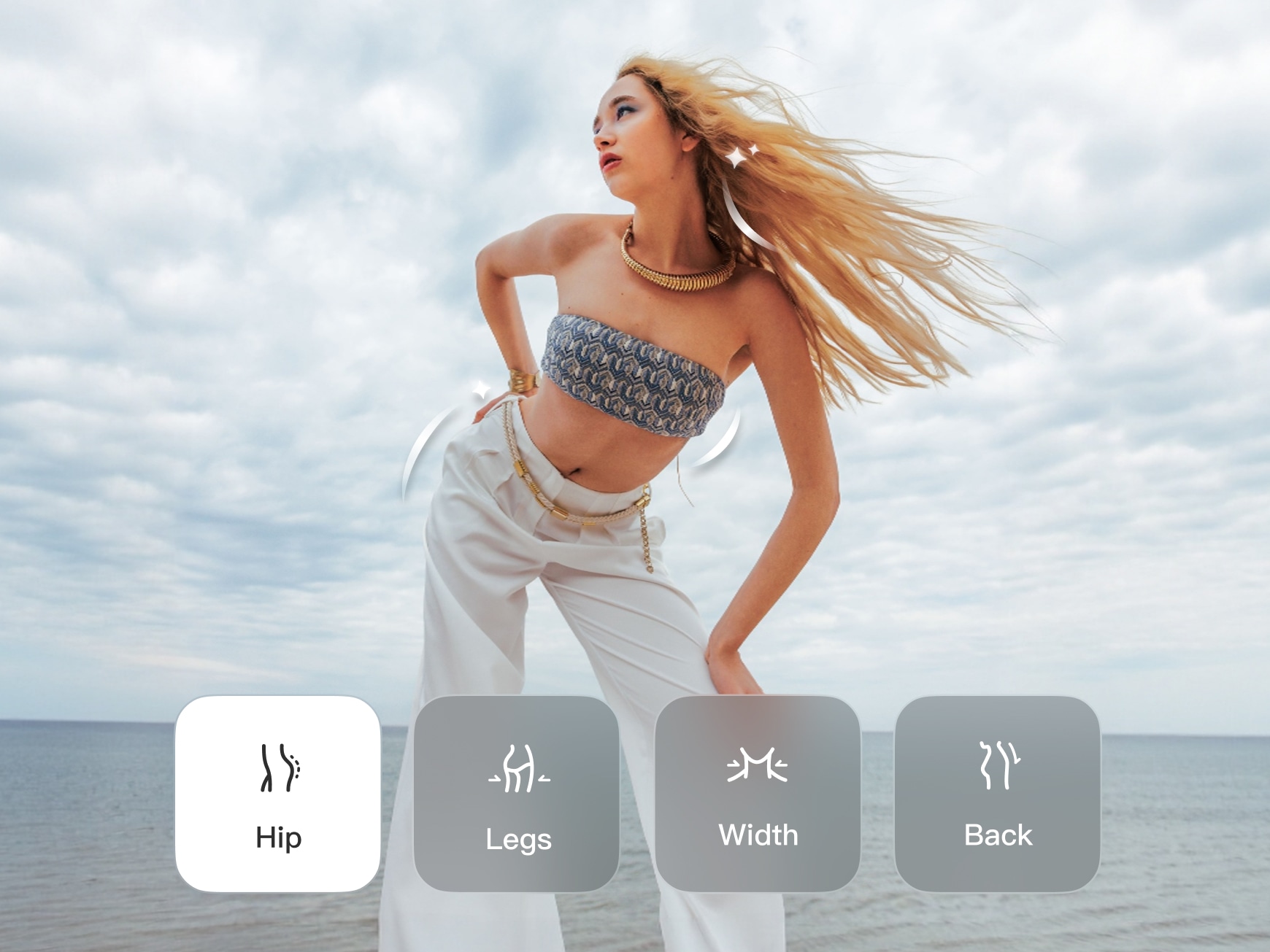
Fine-Tune Details
Go beyond simple body shape editing — adjust posture, refine proportions, and customize the way you present yourself on video. Enhance height perception, create a more open posture, define natural body lines, or add subtle contouring to areas like the waist, chest, glutes, or core — all guided by AI for natural-looking motion. The Wink AI offers a fix for every body part that affects the overall look. Expand the retouch range to cover the upper and lower parts. Tilt the image head or neck and adjust the shoulders to be straight.
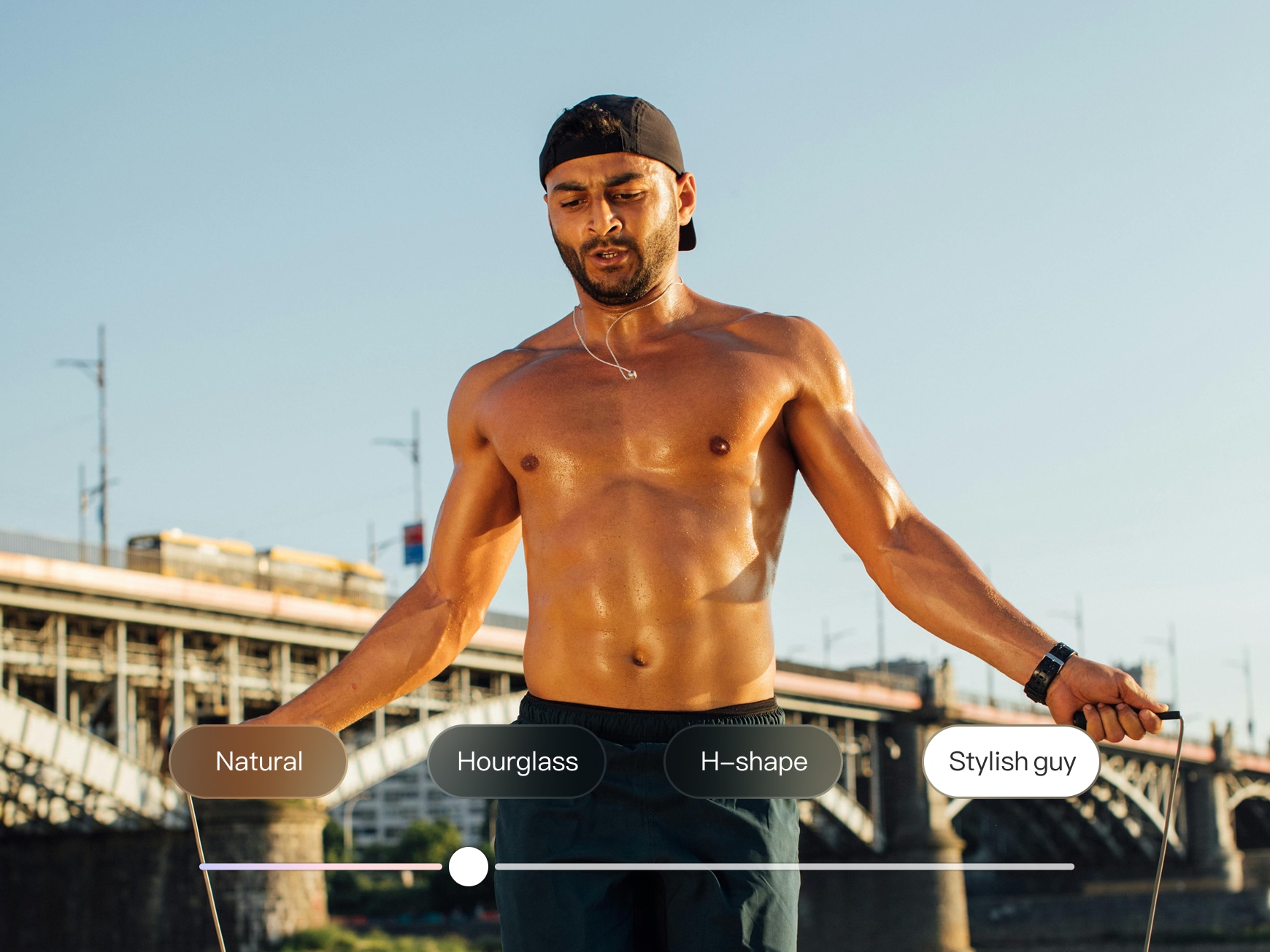
One-Tap Presets & Custom Control
Choose from the various classic presets with a one-tap. Or make custom edits that suit your preferred look and style. If you are looking to switch the images from a natural look to a stylish or hourglass look, the AI body editor puts you in control. Get a more refined silhouette with a single click upgrade.
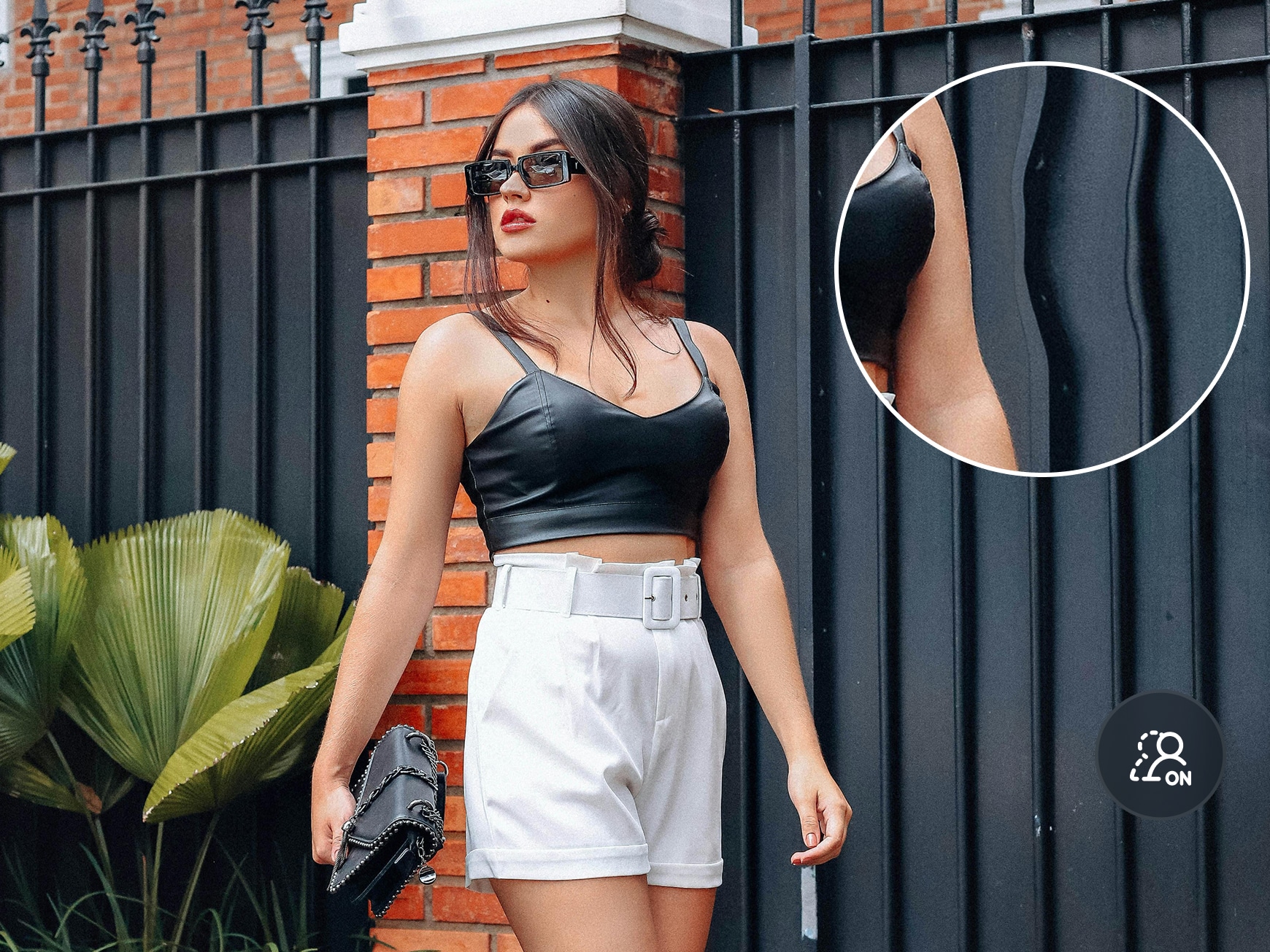
Background Protection
Maintain your background before and after edits with the Wink online body editor. The smart AI body editor tool retouches your image without erasing bits or parts of the background. It simply differentiates the subject in videos and standalone images. Process a smooth, natural look with your image kept stable and distortion-free.
Frequently Asked Questions
How do I adjust my body shape in videos without making the background look distorted?
You can adjust your body shape in videos with the latest version of the Wink AI software. It provides background protection to keep images in videos intact during body retouching. At every frame, the system uses the smart detector to adjust the body outline without affecting the backgrounds. These include objects, door frames, and wall layouts. Also, you can maintain a natural body shape in the editing results with balanced adjustments. The wink AI ensures the background output stays true to the original video style. No distortion.
Can I apply body retouching to only one person in my video?
Yes, you can apply body retouching to only one person among others in your video. The AI body retouch for videos identifies individual subjects. And it selectively applies the prompted edits to body shapes. You can make changes without affecting others in the video frames. This works best for group videos - particularly vlogs, interviews, and collaborative content.
Can I adjust only one specific body area, such as posture or shoulders?
The Wink AI body editor offers personalized edits for body parts. And it provides the flexibility for making adjustments to different layers of the body. You can target only selected areas, such as the shoulder or waist posture, for a natural result. With the customized edit options, users have control over fine-tuning specific details without making changes to other parts of the body.
What kind of edits can an AI body editor make?
The AI body editor can make different kinds of edits, depending on your preference. With a simple upload, you can edit the face, body, or skin of your image. It also allows users to narrow their edits to specific areas, such as the head or shoulders. Plus, the tool works as an all-round body editor.

When I edit wedding travel clips, backgrounds like church windows or balconies often get distorted with other apps. Body Retouch for Videos keeps everything perfectly stable. I can adjust posture or proportions without bending the scenery — it looks natural and my clients love how clean the results are.
As someone who often films solo, balancing camera angles and posture can be challenging. AI Body Retouch for Videos helps refine height perspective and posture subtly, without altering who I am on screen. The results look clean, consistent, and professional.
I really appreciate the subtlety. Sometimes I only need to refine shoulder posture or smooth the waistline to match the outfit's silhouette. Body Retouch for Videos feels like optimizing how the camera captures fabric and movement — not altering myself.