
AI Text Enhancer
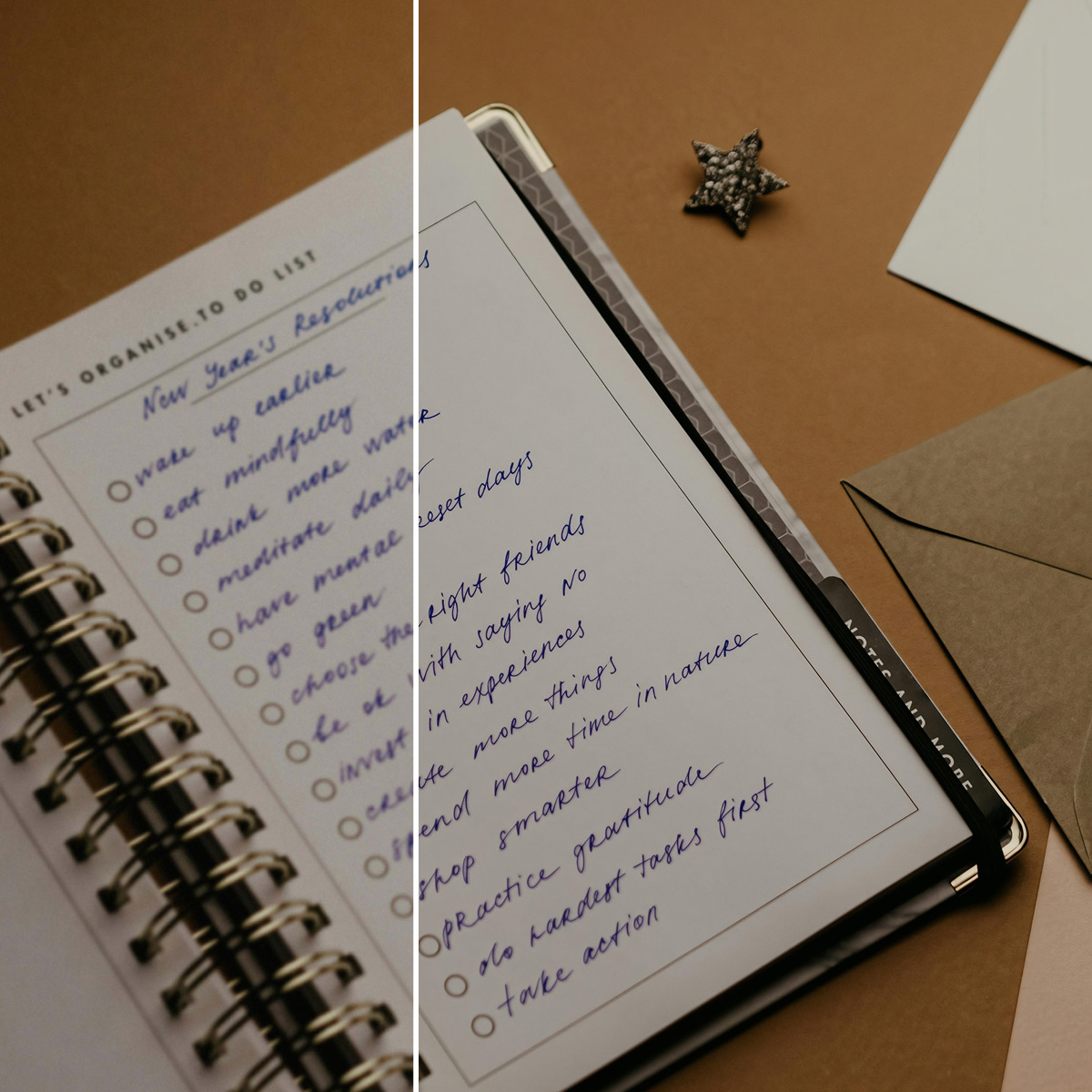



How to Make a Video Clearer
Upload Your File
Upload images, scanned documents, or media containing text.
AI Text Processing
The text image enhancer detects characters, strokes, and spacing. It reduces blur and rebuilds structure.
Download
Check the refined result and download it.
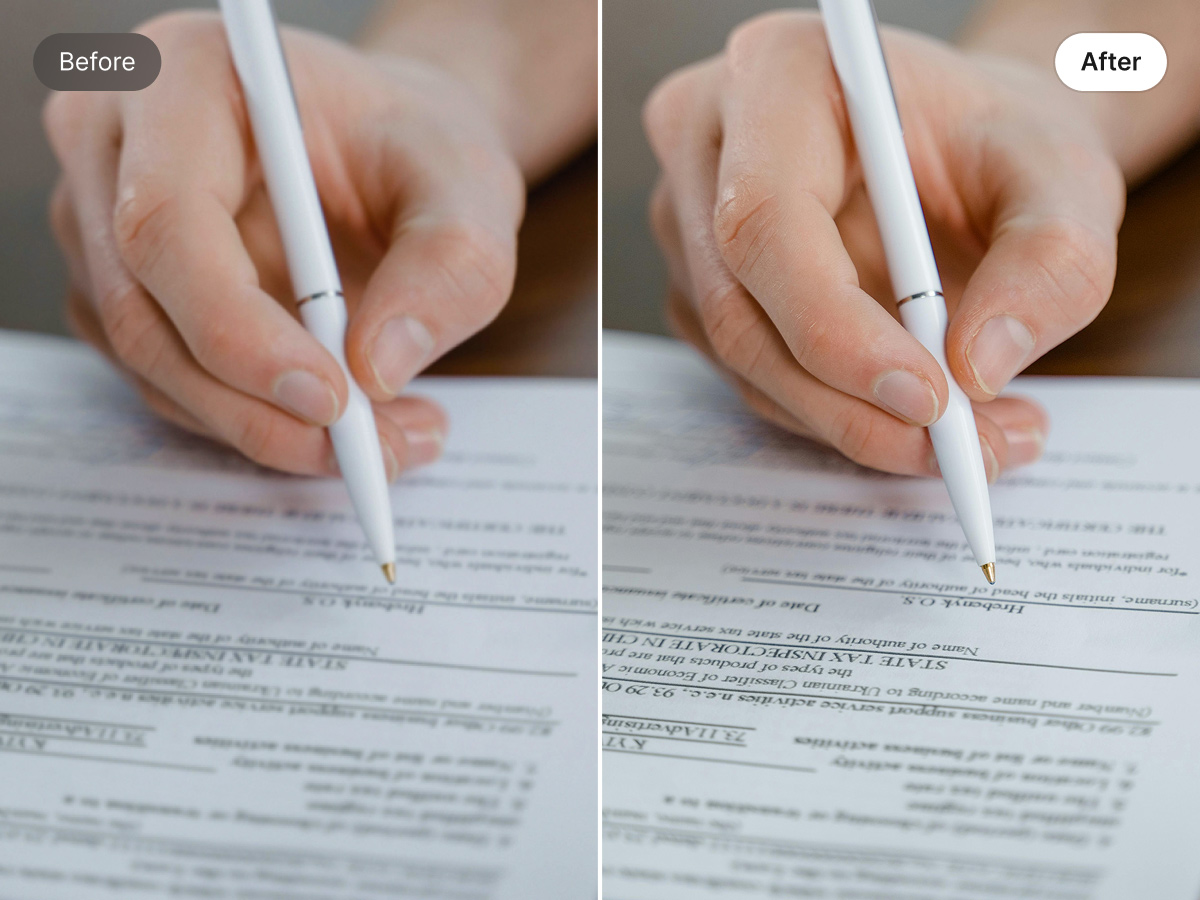
Sharpen Image Text Without Losing Quality
Text inside images often looks faded or unclear after sharing or resizing. Our AI text enhancer tool helps bring that text back to life. It sharpens readability while keeping colors, backgrounds, and design elements untouched. The tool makes your visuals stay clean, professional, and ready to use across posts, banners, and digital content.
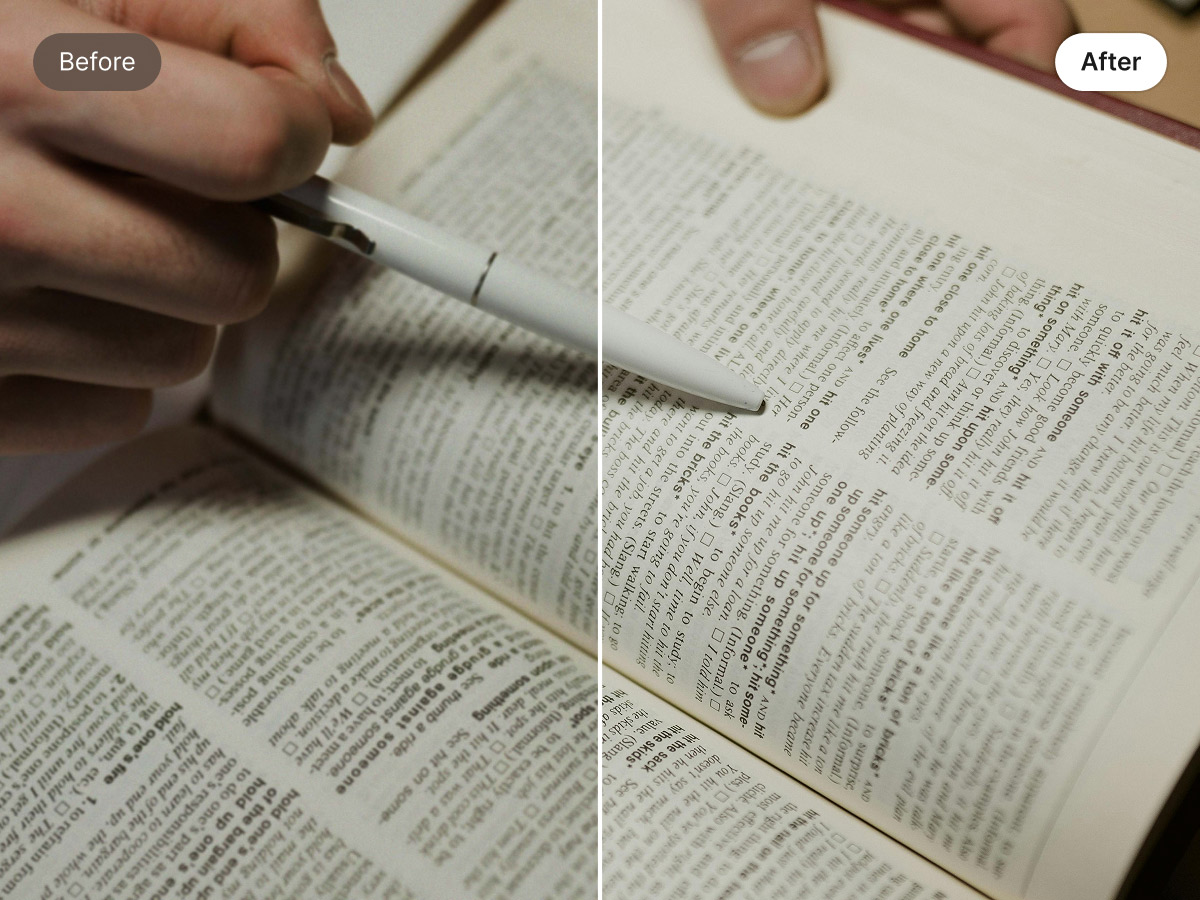
Enhance Document Quality with AI
Give your documents a cleaner, more readable look. It improves text clarity in scans, reports, and presentations affected by blur or poor lighting. The tool refines text details without changing layout or formatting. This keeps documents organized and easy to read, making them suitable for sharing, storage, or future use.
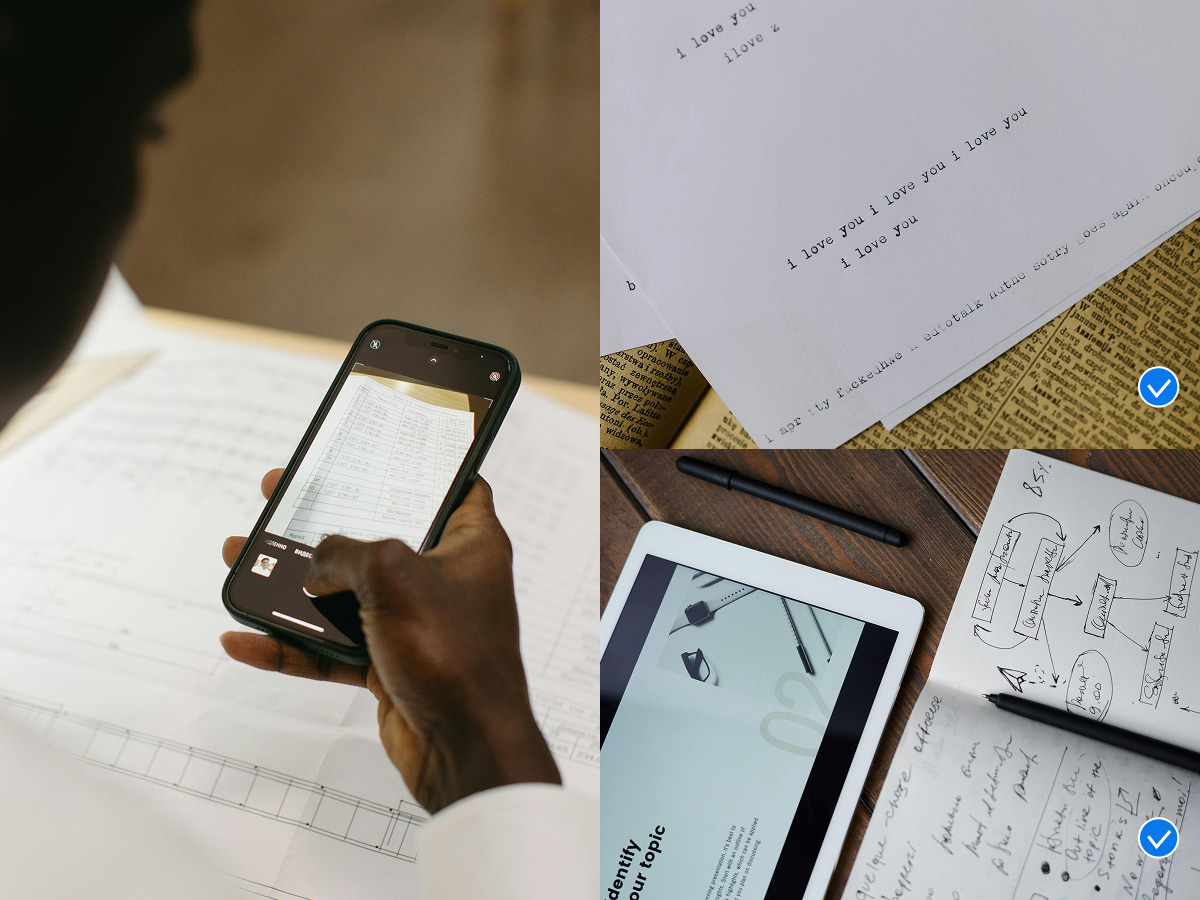
Automated Text Enhancement for High-Volume Projects
Handle large volumes of images efficiently with batch processing support. Our photo text enhancer applies uniform improvements across multiple files. Every image receives even clarity adjustments without manual intervention. It reduces processing time while maintaining reliable output quality. This is helpful for teams managing high content volumes or repeated updates.
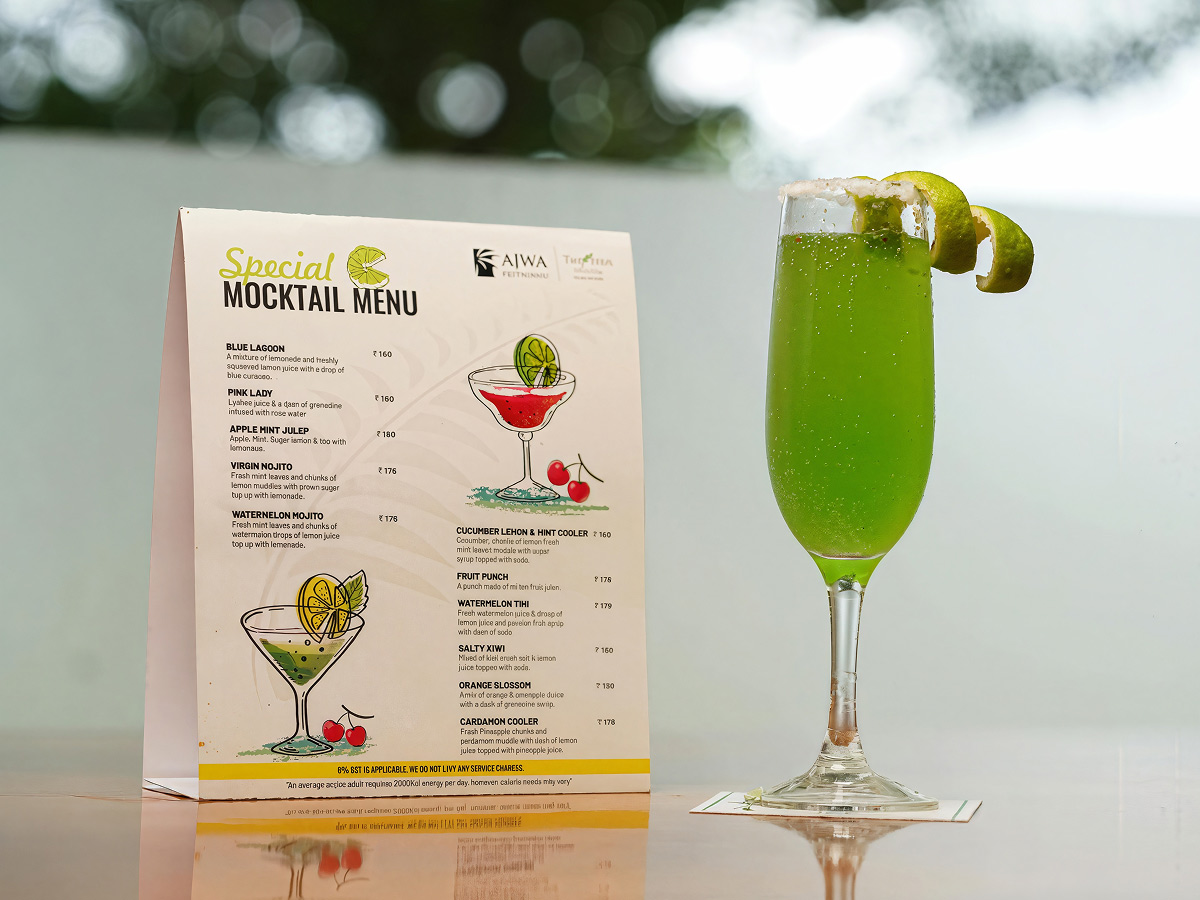
Optimized for Marketing and Digital Communication
Use it confidently for visuals used in campaigns, social platforms, and promotional materials. It keeps text readable across banners, ads, thumbnails, and posts viewed on different screen sizes. The improved text clarity helps you grasp messages faster and supports visual consistency. It also enhances engagement without requiring redesign or re-editing.
Frequently Asked Questions
How is this tool different from basic sharpening tools?
Can it improve text from screenshots or compressed images?
Text loses clarity in screenshots or downscaling. Our tool restores structure and spacing, thus improving readability.
Will the enhanced text stay clear after resizing or printing?
Whether resized or printed, text remains stable. All the strokes stay even, and spacing remains unchanged after cleaning up with Wink.
Does it change fonts or text layout?
Fonts and layout stay the same. Only clarity improves after processing using our tool.
I used it to clean up scanned notes before lectures. Blurry text turned sharp and readable and saved hours of rewriting
I wanted to fix text inside ad creatives. It made captions clear without touching the design. Glad I used it to speed up our campaign workflow.
I enhance screenshots and document images daily. Wink helped me restore clarity within minutes with no more edits needed.