
Remove Subtitles From Videos Online





How to Remove Subtitles from Videos
Upload
Upload your video to the platform. The system detects embedded subtitles and caption layers.
Remove Subtitles
Advanced filling technology reconstructs covered visuals across frames for clear, reusable video output.
Download
Once processing finishes, download the footage.
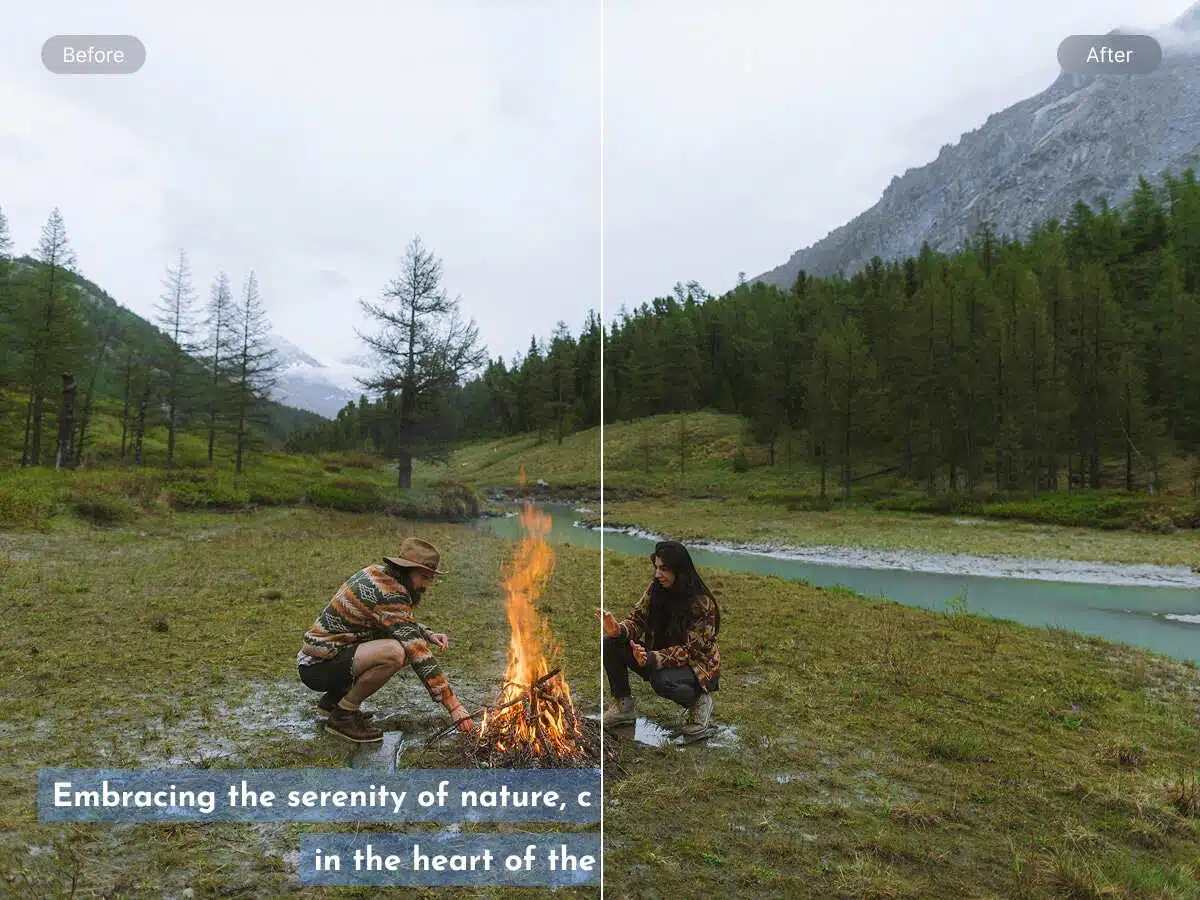
Remove Embedded Subtitles Effortlessly
Let the AI remove subtitles from videos by eliminating hardcoded text directly. It detects text regions across scenes and handles movement, lighting shifts, and texture changes accurately. There is no need for masking or frame-by-frame editing. The AI tool works efficiently on all video lengths and keeps visuals consistent throughout the processed video.

Intelligent Background Reconstruction
Rebuild video frames after subtitle removal with intelligent background reconstruction. The AI analyzes nearby pixels to match color, grain, and motion precisely. This prevents blur and visual gaps during playback. Scenes remain visually stable even with movement. The result is an optimized, natural-looking video suitable for sharing, editing, or publishing.
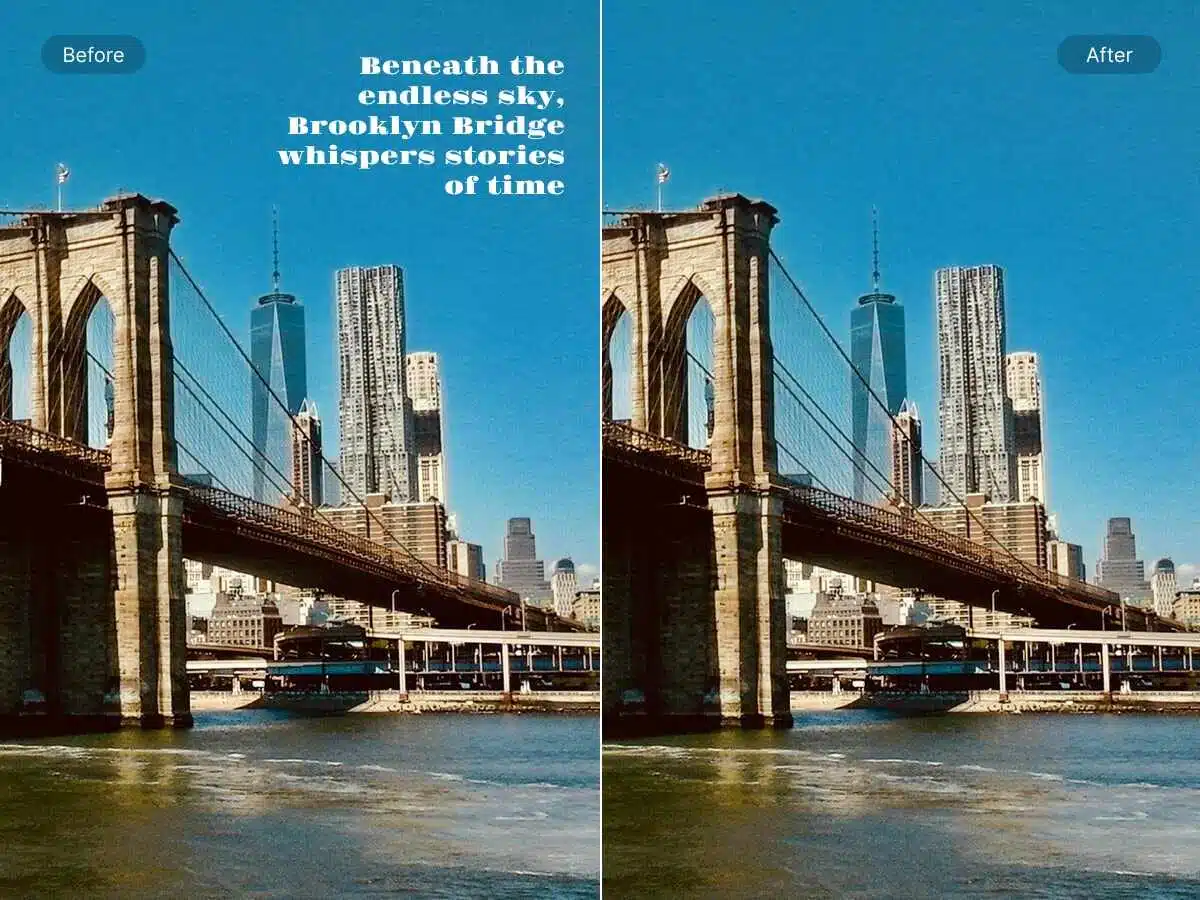
One-Click Subtitle Removal Workflow
Remove subtitles from videos with a single action and no complex setup. The tool works instantly without timelines or advanced controls. This speeds up editing cycles and supports quick redistribution. It handles multiple videos efficiently, making it suitable for tight deadlines. High-quality results stay consistent across frames and are export-ready for publishing.
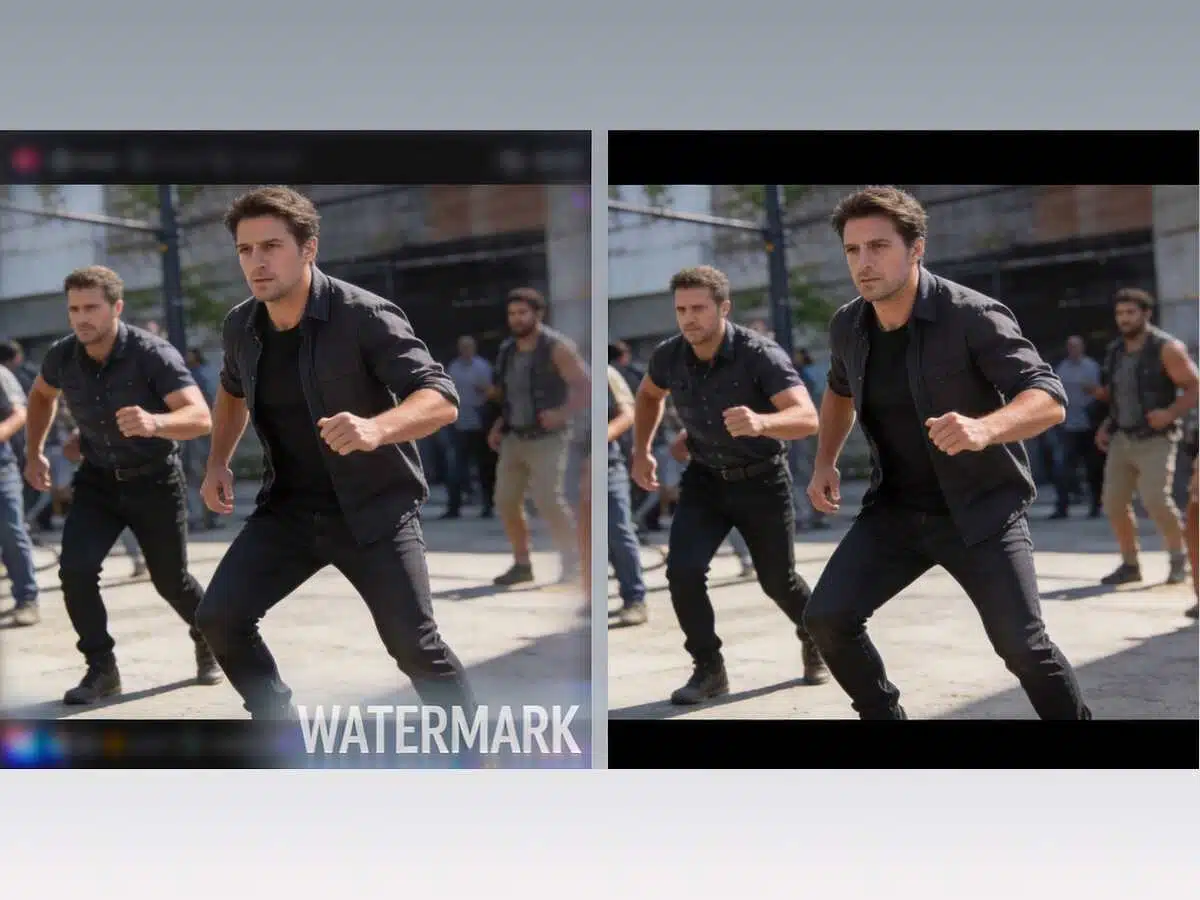
Polished Output for Reuse and Publishing
Export videos without leftover text, overlays, or visual distortion. Your files are suitable for reposting, dubbing, translation, and multi-platform publishing. You can add new captions to the finished frames for branding and other purposes. The visual quality remains intact across scenes, ensuring smooth playback and clear results for repurposing.
Frequently Asked Questions
Can the tool remove subtitles in different languages from the same video?
The AI detects subtitles visually and handles multiple languages easily. It does not follow any language-specific rules.
Does subtitle removal work on moving or animated text?
The system tracks subtitle movement frame by frame. This means it can remove animation or shifting text as well.
Will subtitle removal affect faces or objects that appear behind the text?
Background reconstruction avoids important visual areas, so faces and objects remain untouched and natural.
Is subtitle removal possible for videos with multiple subtitle styles or fonts?
Different subtitle fonts and styles are handled automatically through adaptive text detection.

Did not expect this to work so professionally. Subtitles were gone and the background looked untouched. Saved me a lot of manual time.
Tried it on old podcast clips with baked captions. Honestly impressed. Frames stayed smooth and I could repost the videos right away.
Used this for a class project video. Super easy and fast. No weird blur or artifacts. Made my submission look way more polished.