
HD Video Converter





How to Convert Video to HD Quality Online
Upload the Video
Add your video to the dashboard to convert video to HD 1080p or 4k online for free.
Enhance Video Quality
Choose the improvement level. Pick from your output needs - 1080p, 2K UHD, or 4K Ultimate.
Download and Save
Download and export the videos to your devices.
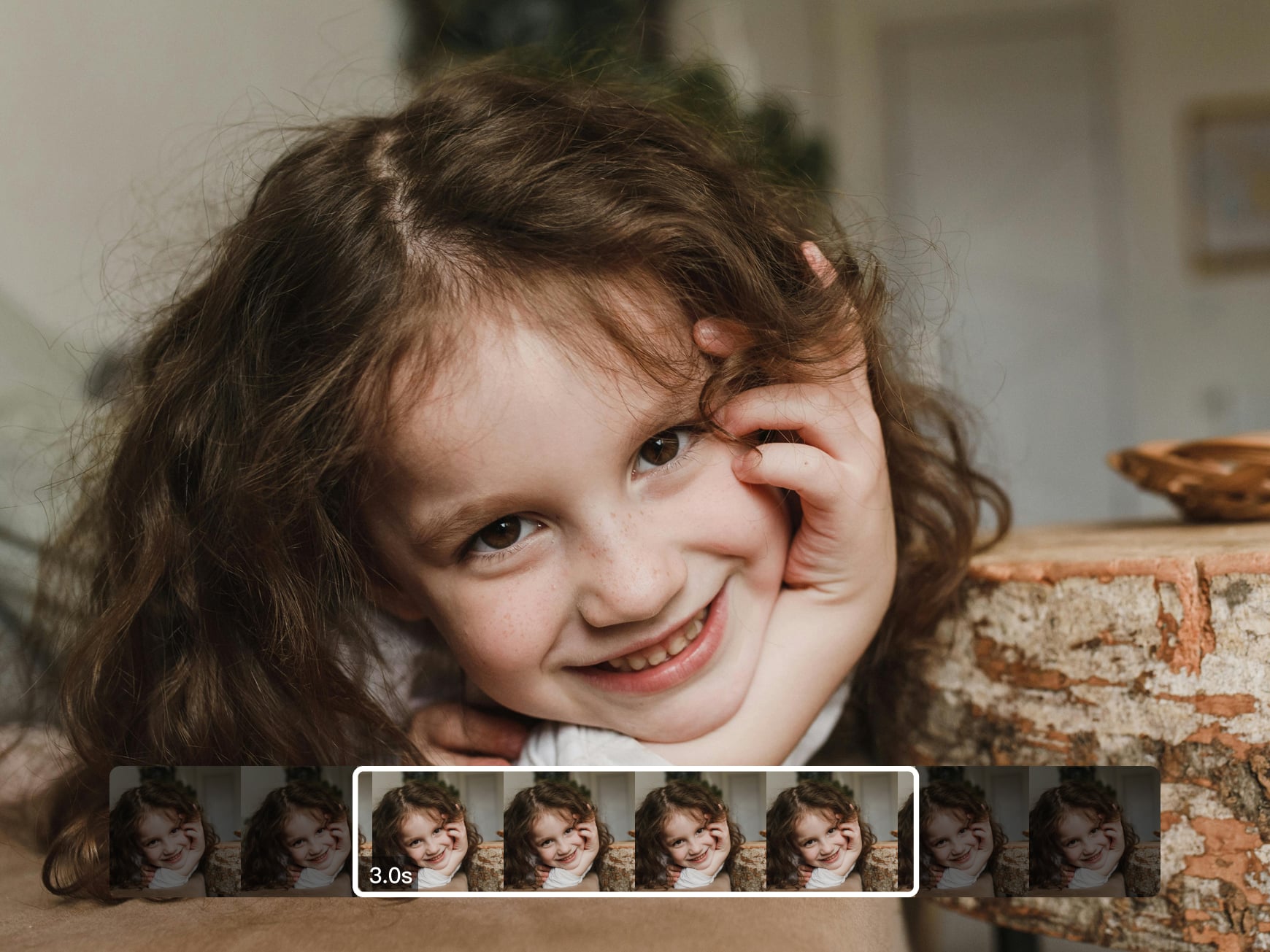
Clearer Videos That Still Feel Real
Add your clip and watch it gain better definition. Without changing its original character, the movements inside the visual stay smooth. The surfaces remain natural, and fine elements are preserved. This HD video converter makes the video look refreshed rather than altered. The tool keeps the same mood and timing, making it comfortable to watch on any screen.
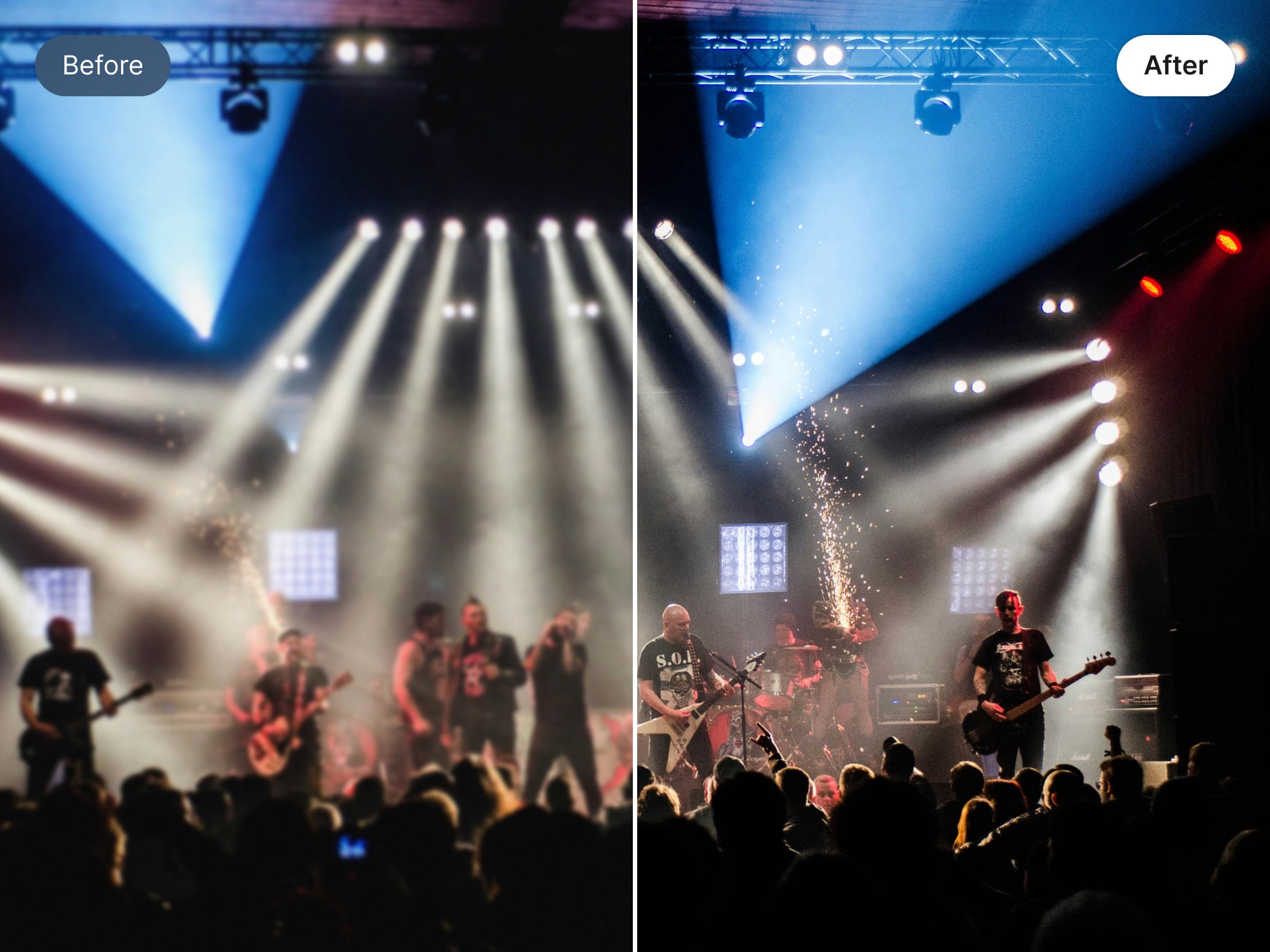
Scene-Specific AI Enhancement
Upload your video and let our HD video converter tool adjust each scene automatically. It studies lighting, motion, and visual depth. You will not see the same edits repeated everywhere. Scenes are improved based on their condition. This creates a balanced final video that plays smoothly and looks refined throughout.
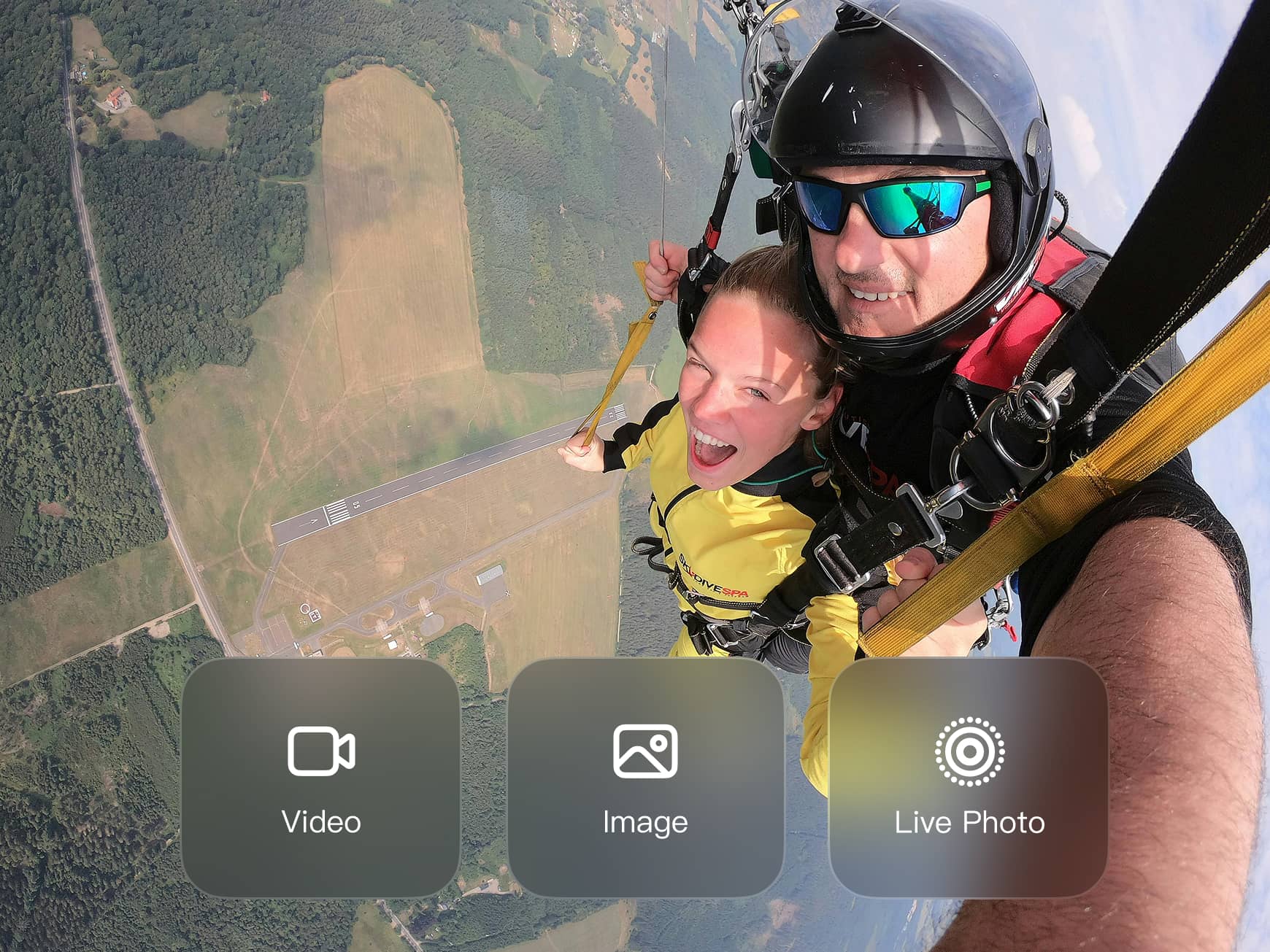
Download in Formats That Fit Your Use
The Wink HD video converter allows you to download visuals in multiple formats. Download the result as a video, still images, or Live Photos from key moments. This flexibility helps you reuse content easily for posts, stories, or personal collections. No need to open another app or editing tool.

Enhance Multiple Videos at Once
Upload several videos together and let Wink HD Video Converter process them in the background. There is no need to stop your work or wait for one file to finish. Each video is handled automatically, making it easier to manage large folders. Feel free to continue planning, editing, or reviewing content without interruptions.
Frequently Asked Questions
Does the enhancement process require manual settings?
Are multiple videos supported at the same time?
Absolutely. You can process several files simultaneously while enhancements run in the background.
Will the original video structure change?
No, the enhancement improves visuals while preserving timing, motion, and composition.
Can I convert videos to HD quality on a mobile phone?
You can use both Android and iOS to use Wink. Just upload clips, enhance them online, and download the improved file without a computer.
Wink HD video converter delivers cleaner, high-resolution output. It handles long videos well. Quality is also good.
It helped me improve campaign visuals. The converted videos look consistent across screens without any extra editing effort.
Batch enhancement is a major advantage with the Wink HD converter. I can upscale several clips at once and focus on storytelling instead of technical fixes.