
HD Photo Converter Online



How to Convert Photos to HD Quality
Upload the Image
Upload your images to the platform. The Wink AI supports match uploading to save your time.
Upgrade to HD
Choose HD, UltraHD, or AI UHD mode based on the image condition and enhancement needs.
Download and Save
Modify the detail adjustment and download the HD photos to your devices.
Intelligent Pixel Upscaling
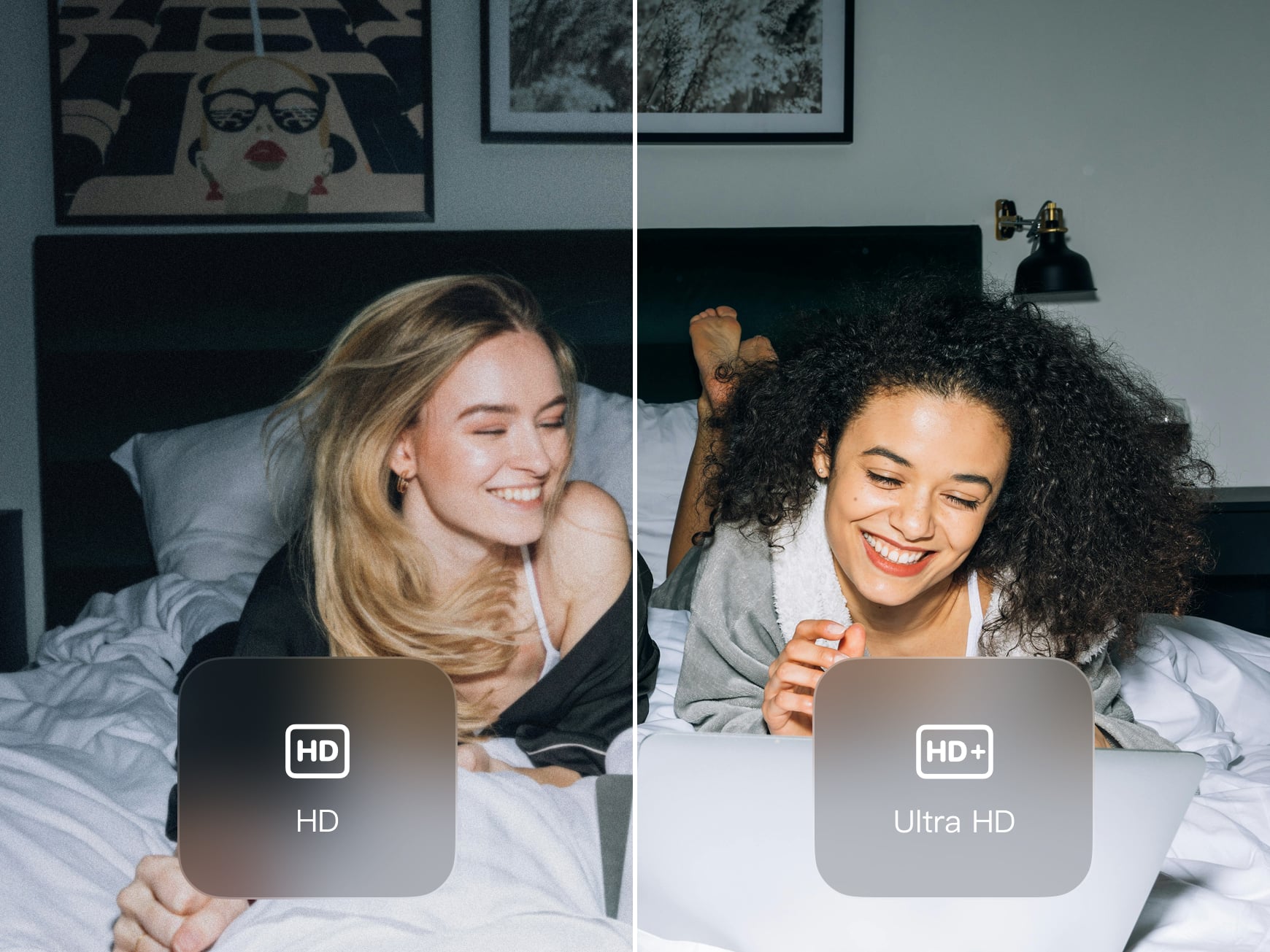
Our HD Photo Converter rebuilds image resolution by analyzing structure, depth, and edge data. The Wink AI supports HD and UltraHD modes to scale images. Pixel expansion adapts to the selected mode. The details are refined while keeping proportions accurate. You get a clear, refined image that works well on large screens and in print formats.
Smart Noise Control
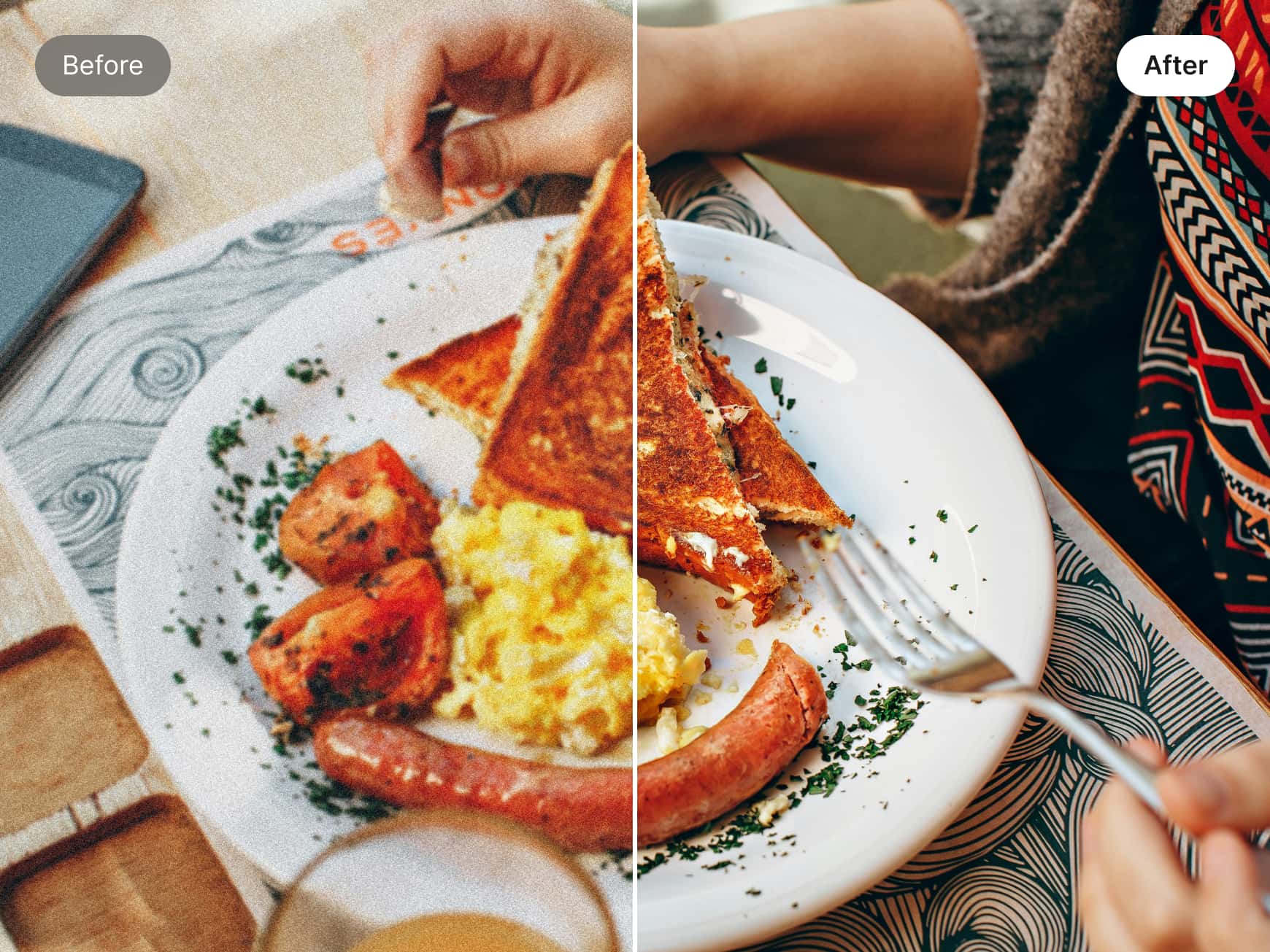
AI UHD enhancement reduces noise. It detects grain and compression separately from real details and removes clutter without flattening textures. It ensures the skin, fabric, and surfaces are closer to the original. This tool helps you make HD photos online with controlled clarity across standard, UltraHD, and AI-powered modes.
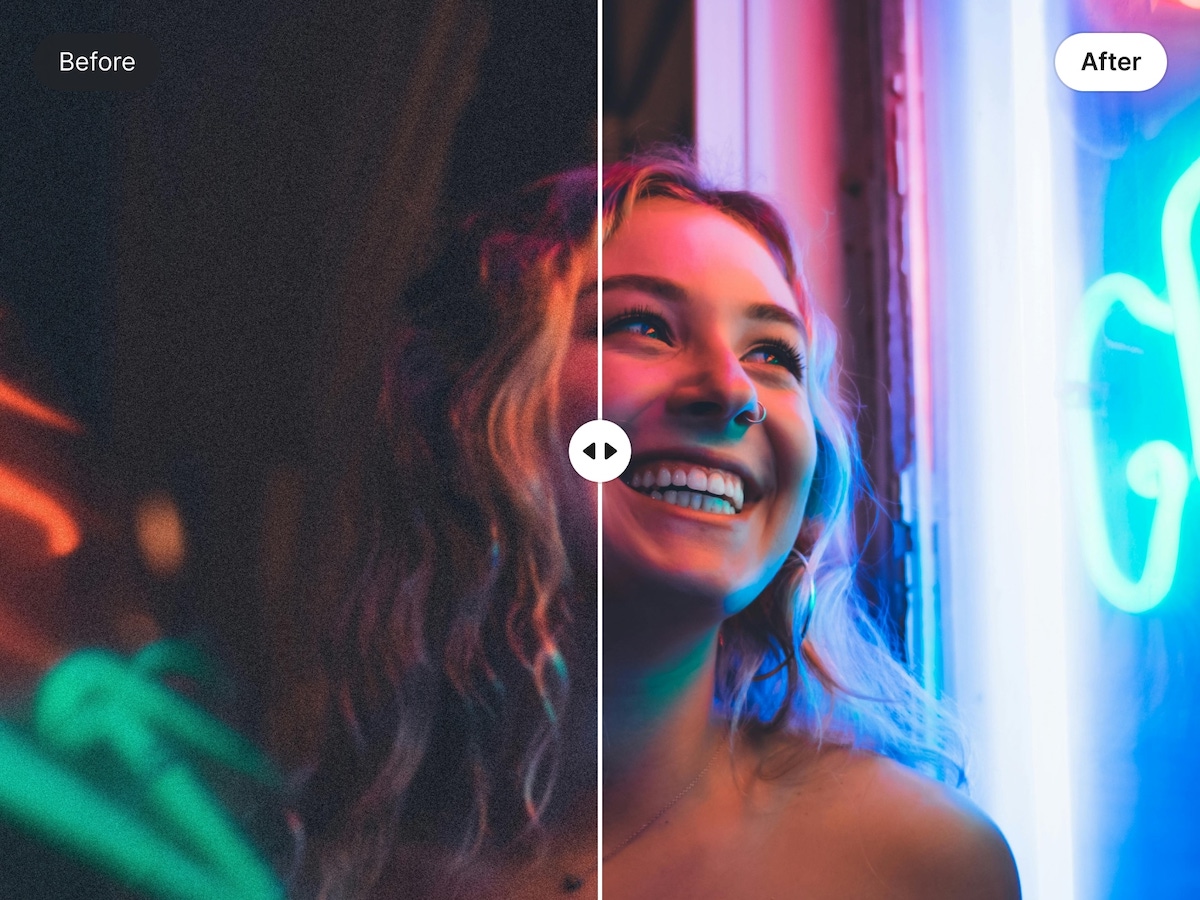
Live Enhancement Preview
Preview improvements instantly with a live comparison. Our HD picture converter shows original and enhanced images side by side. You can evaluate sharpness and clarity on your screen. It also supports convert photo to HD 1080p output, so the results match screen-ready standards. All the adjustments are transparent and controlled.
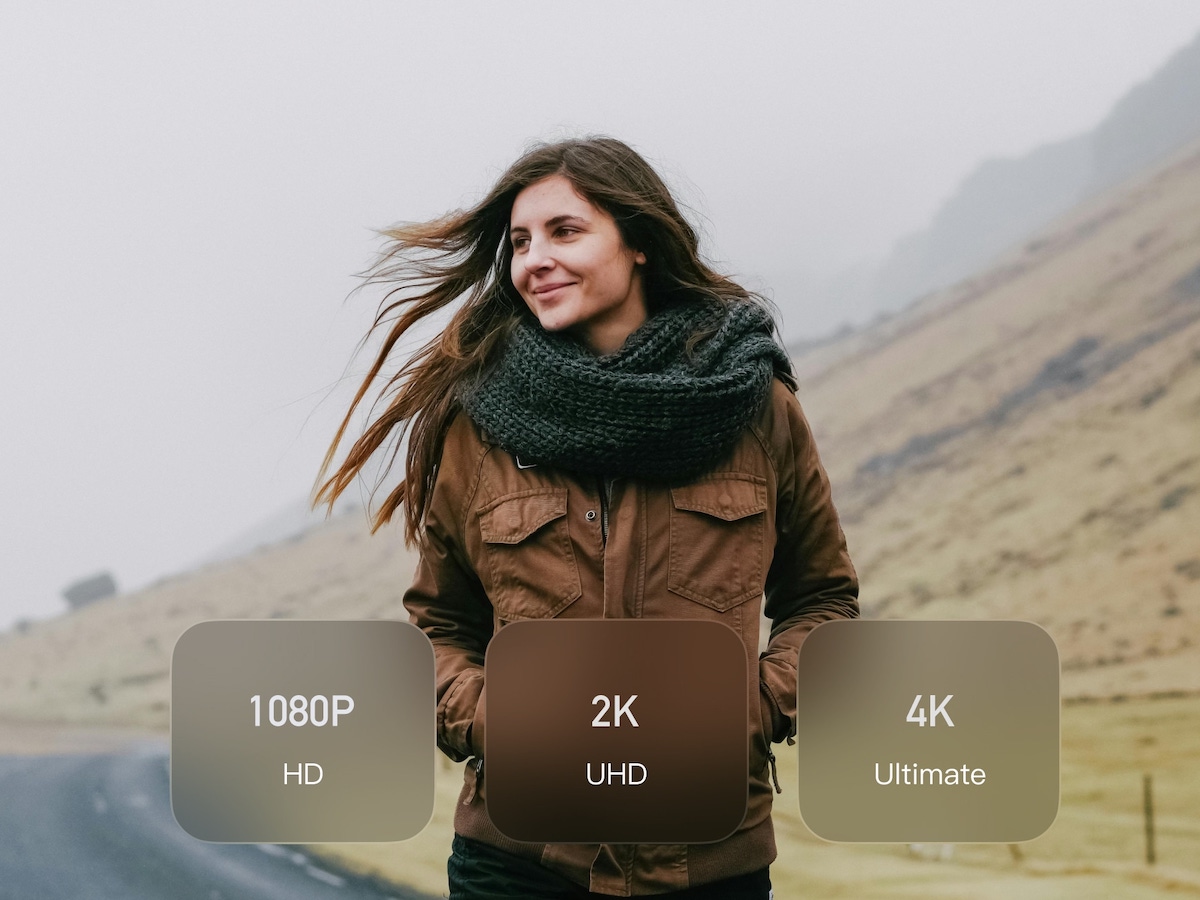
Broad Format and Resolution Support
Use it as a 4k image converter across devices and formats. You can convert picture to HD quality from phones, cameras, or desktops without any setup. Your files will adapt automatically to different resolutions. Just upload, enhance, and download smoothly for creative, academic, or professional workflows.
Frequently Asked Questions
How fast can a photo be upgraded to HD?
Will my enhanced photos look natural or artificial?
No. Our AI is designed to maintain natural detail while removing noise and sharpening edges. This helps prevent over-processed looks.
Is there a difference between HD, Ultra HD, and AI UHD modes?
HD offers quick cleanup. Ultra HD enhances visual depth. AI UHD applies advanced processing for complex or very low-quality images.
Will text and logos stay sharp after conversion?
The enhancement preserves edges and character shapes. So, the text, icons, and logos remain readable and clean.
I use it for episode covers and thumbnails. AI UHD sharpens faces and text nicely, making my visuals finally match my audio quality.
My posts look clearer and more consistent now. Ultra HD works well for feeds, and the preview helps me avoid overdoing it.
I use Wink to clean up my campaign visuals. Its HD and AI UHD modes keep images ultra-sharp without looking artificial.