
Sharpen Images Online With AI
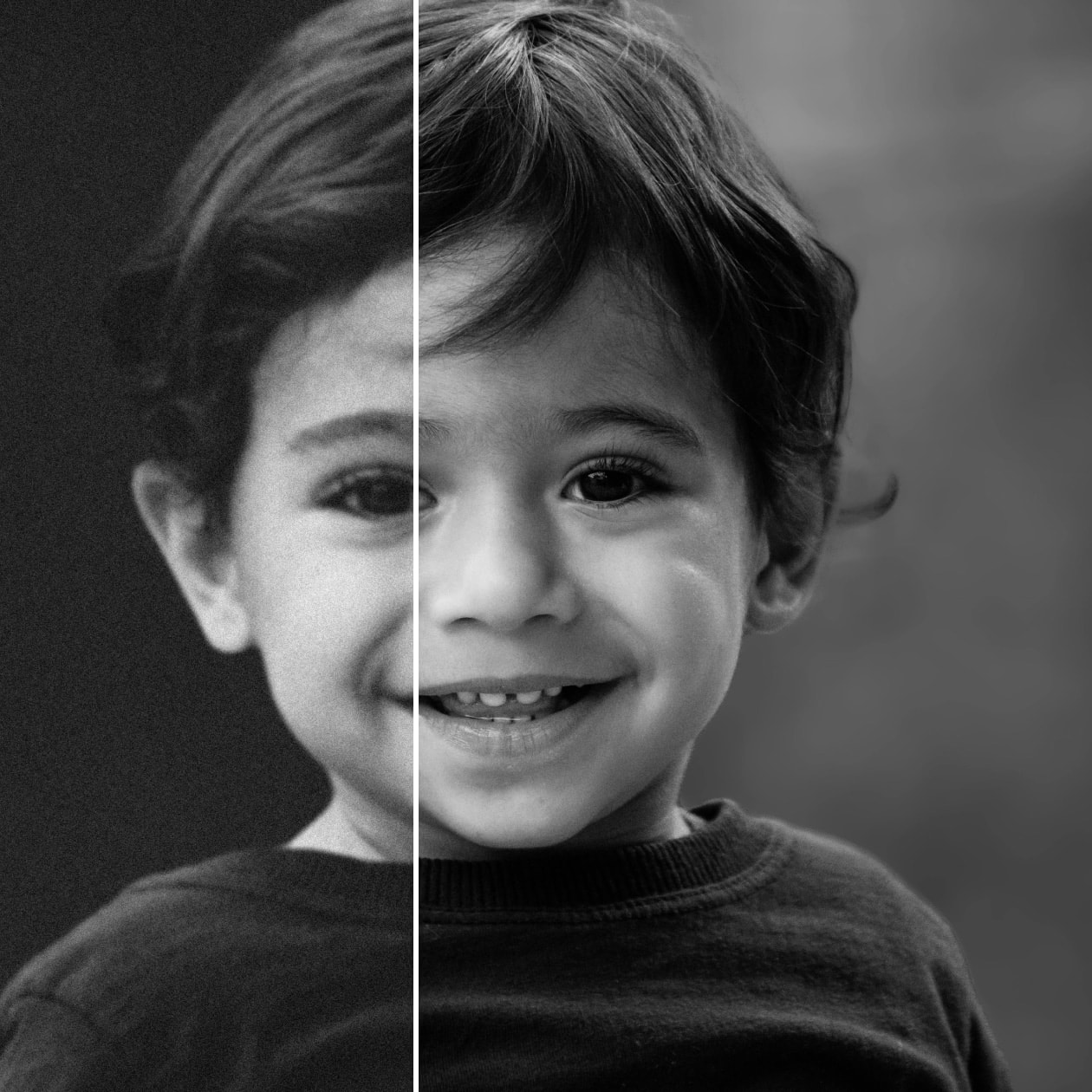
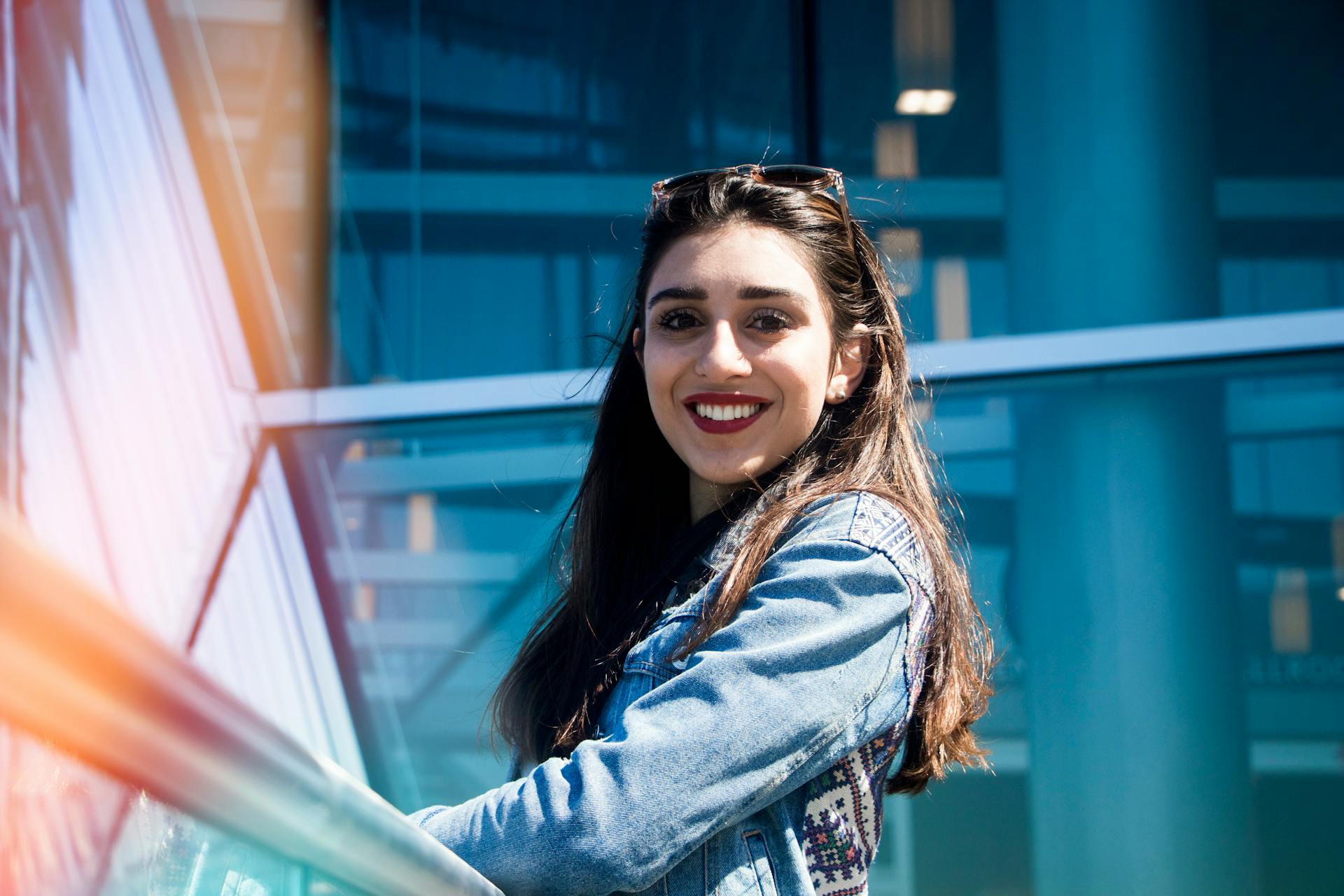



How To Sharpen Images with AI
Upload Your Image
Select the photo you want to improve. Click upload.
Enhance with AI
Choose between Regular or Scenario modes and let our AI intelligently refine every detail for a professional finish.
Preview and Download
Fine-tune the enhancement level, preview the results, and save your images.
Bulk Image Sharpening
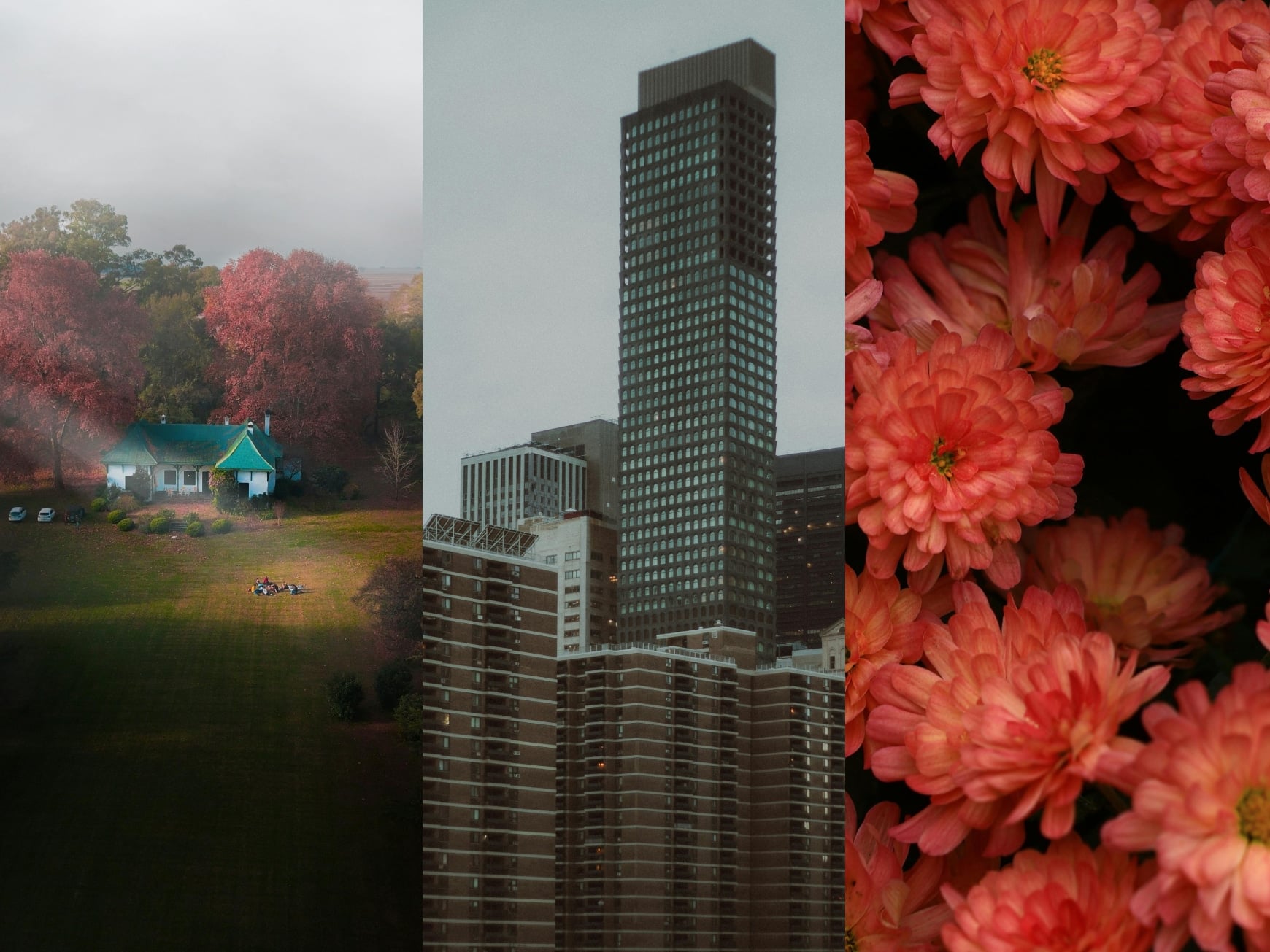
Sharpen images in bulk using a powerful tool built for speed and clarity. It improves multiple photos at once while keeping the details clean and natural. Each image is refined individually. It helps clear a blurry picture quickly, making large image collections look crisp and ready to use for different purposes.
Smart Multi-Image Restoration
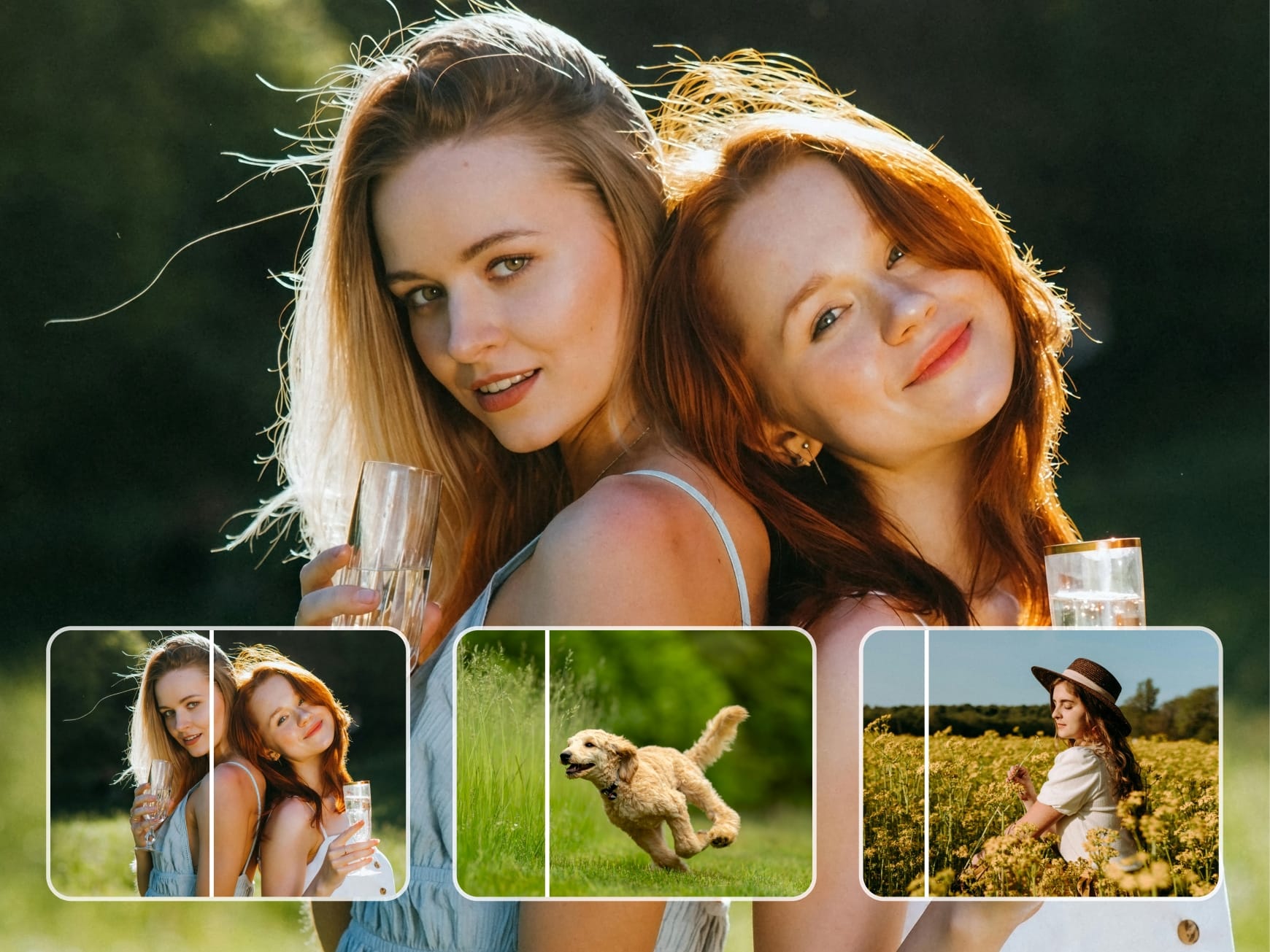
Restore several images with an online images sharpener that treats every file separately. This ensures balanced improvements across different image qualities. You can unblur image for free while maintaining the realistic textures. The process delivers consistent clarity across batches, making it easy to manage and enhance visuals at scale.
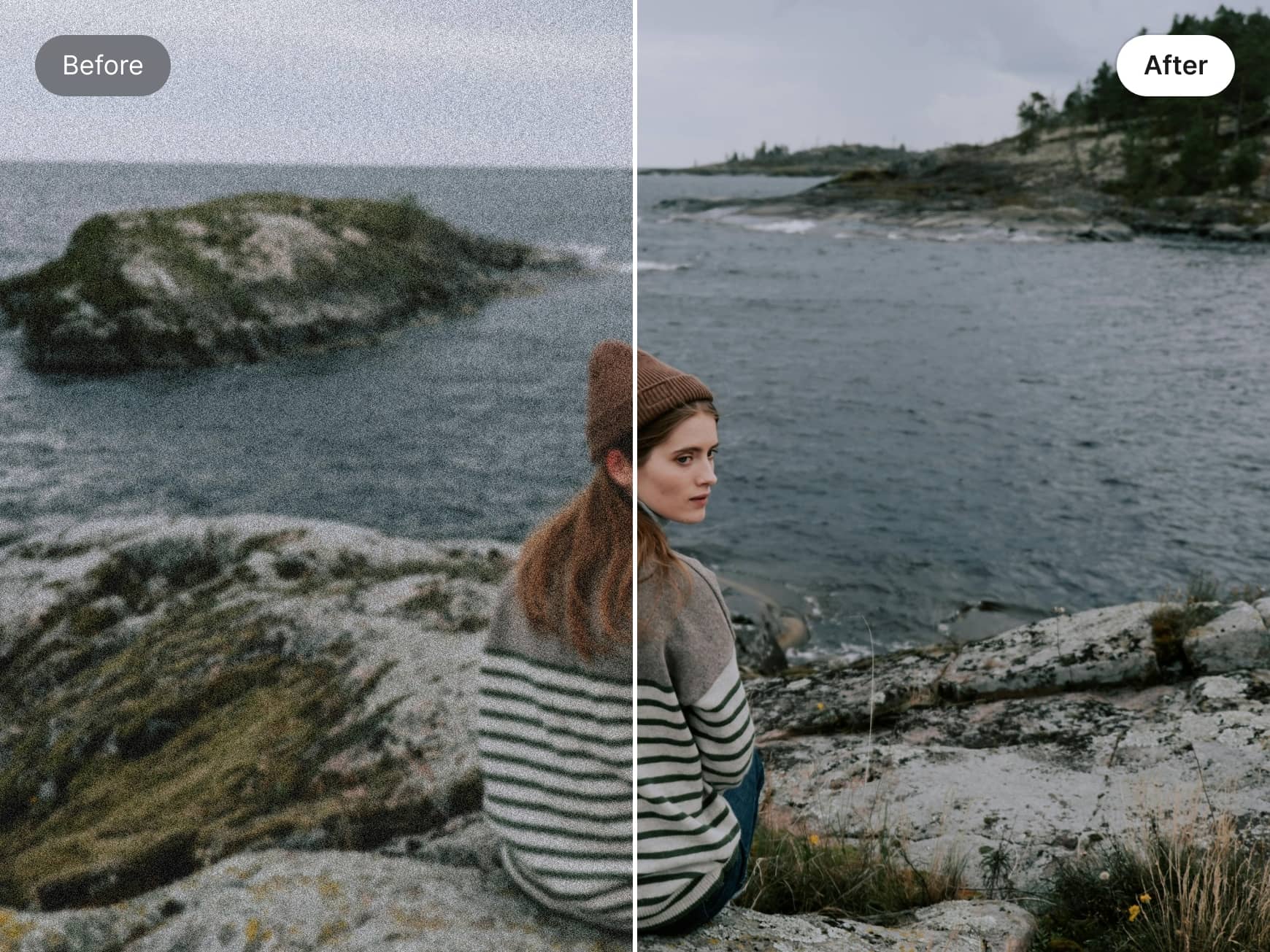
Scene-Based Sharpening Modes
Choose from multiple scene-focused modes designed to sharpen the picture correctly. Portraits, product photos, text images, and low-light visuals are enhanced differently by our tool. This helps clear pictures online without harsh edges or distortion. Each mode improves definition while preserving the original structure and purpose of the image.
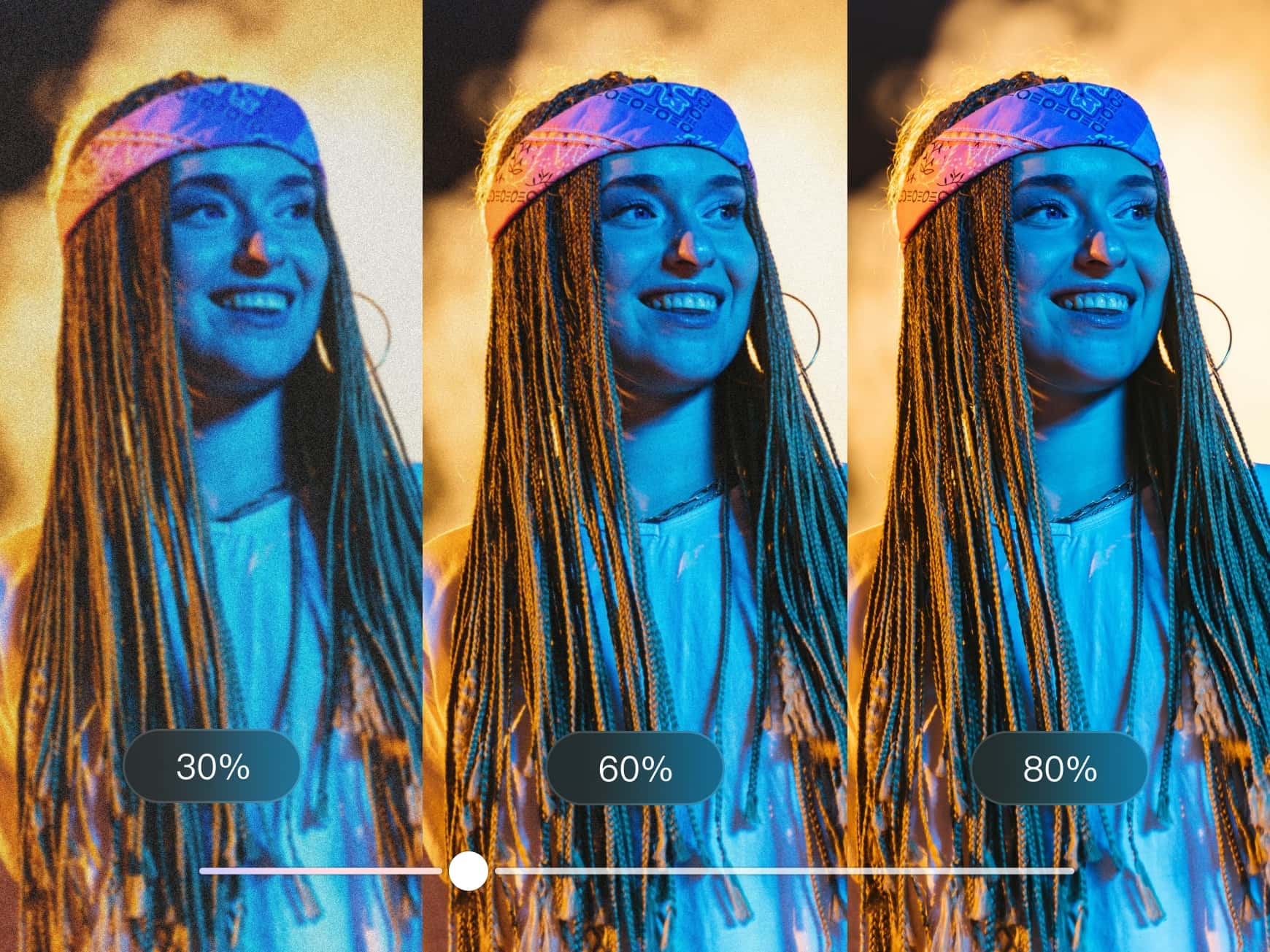
Custom Sharpening Intensity Control
Apply light refinement to clean the photos or increase the strength to clear a blurry picture. This flexibility helps sharpen pictures without overprocessing. You can optimize results to unblur image for free and achieve a polished and professional visual finish.
Frequently Asked Questions
Can Wink clear pictures online?
How does the Image Sharpener work?
Wink online image sharpener looks into the image structure using AI and reconstructs edges and details to improve sharpness without making the final image look overprocessed.
Does the picture sharpener work on all photos?
Wink AI supports portraits, landscapes, and daily photos to name a few.
Is it free to use?
Yes, Wink AI lets you sharpen images online for free with free credits.
I use Wink to sharpen images from older shoots. It clears blur without making faces look artificial. Batch processing also saves me hours every week.
Wink is one of the best tools I have used to restore client photos quickly. The scene modes are useful, especially for portraits. These let the results stay natural and clean.
We use Wink to clear pictures online for our ads and social posts. After quality repair, the visuals look just how we want them to be.